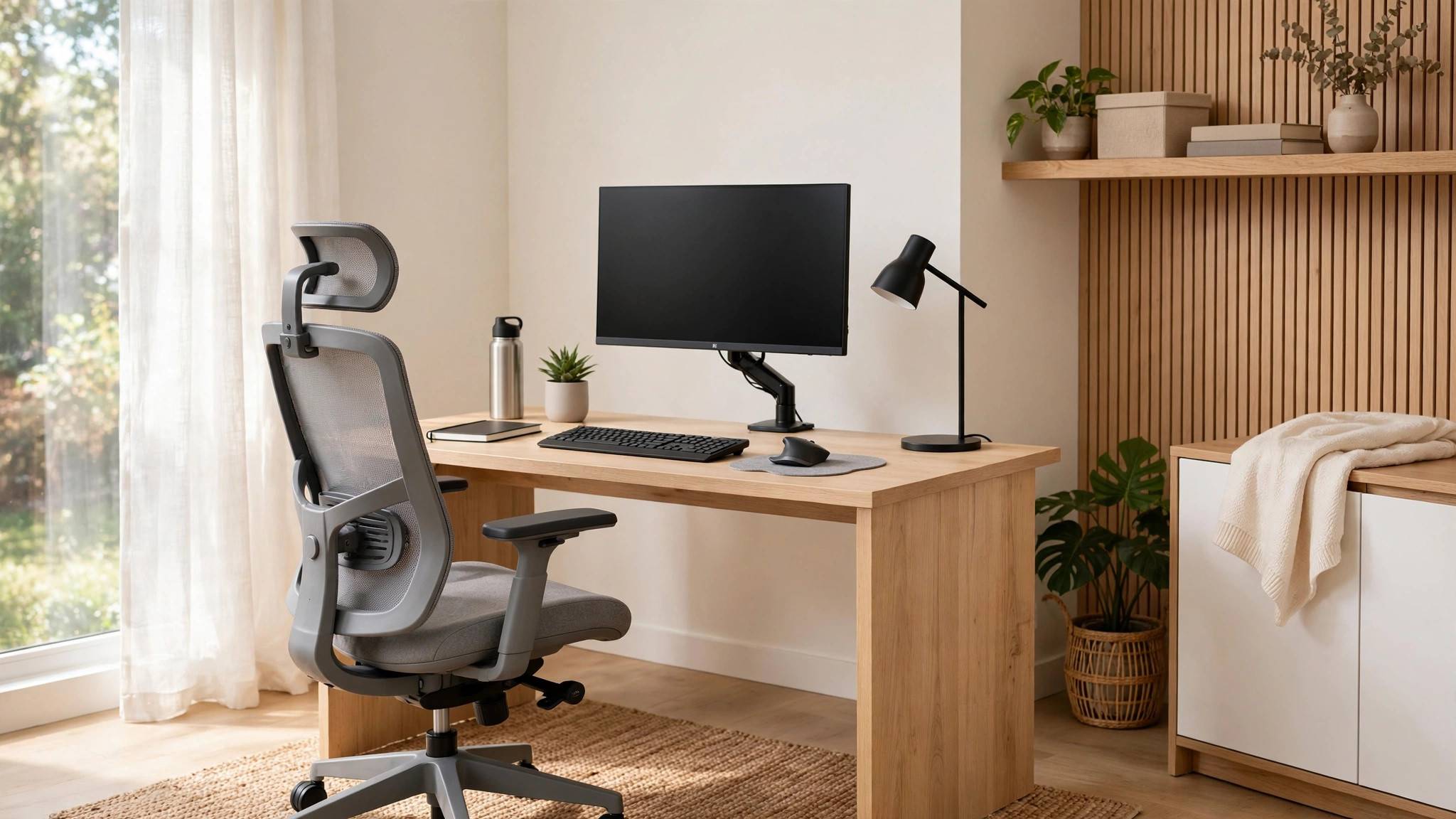
Your back, neck, and wrists are sending you a daily invoice for your desk setup — small ergonomic fixes pay off in hours of pain-free focus, and most of them cost little or nothing.
Chair: Your Foundation
Feet flat on the floor, knees at roughly 90 degrees, thighs parallel to the ground. If your chair is too high, use a footrest or a box — dangling feet cut circulation. Your lower back needs support: a rolled towel works as well as a fancy lumbar pillow. Sit all the way back so the chair supports your spine instead of your shoulders doing the work.
Desk and Monitor Heights
Elbows at 90 degrees with forearms resting lightly on the desk — no shrugging, no reaching. The top of your monitor should sit at or just below eye level, about an arm's length away; stack books under it if needed. For laptops, a separate keyboard and a laptop stand are the two cheapest life-changing upgrades — staring down at a flat laptop is the number-one cause of "tech neck."
Posture and Movement
The best posture is your next posture. No perfect position survives eight hours — stand, stretch, or walk every 30–45 minutes. Set a timer if you forget. Keep wrists straight and neutral, not bent up over the keyboard, and let your mouse hand rest instead of gripping. Roll your shoulders back periodically; if they creep toward your ears, your desk is too high.
Lighting and Cheap Upgrades
Face a window or place light to your side — never stare into backlight or harsh overhead glare. Add a warm desk lamp for evening work to reduce eye strain. The highest-ROI cheap buys: a monitor riser (or books), a lumbar roll, a footrest, and blue-light-reducing screen settings after dark. A standing desk is nice but optional; regular movement beats any single piece of furniture.
Smart start: fix monitor height and add lumbar support today — both free. Your future self, pain-free at 5pm, will thank you.