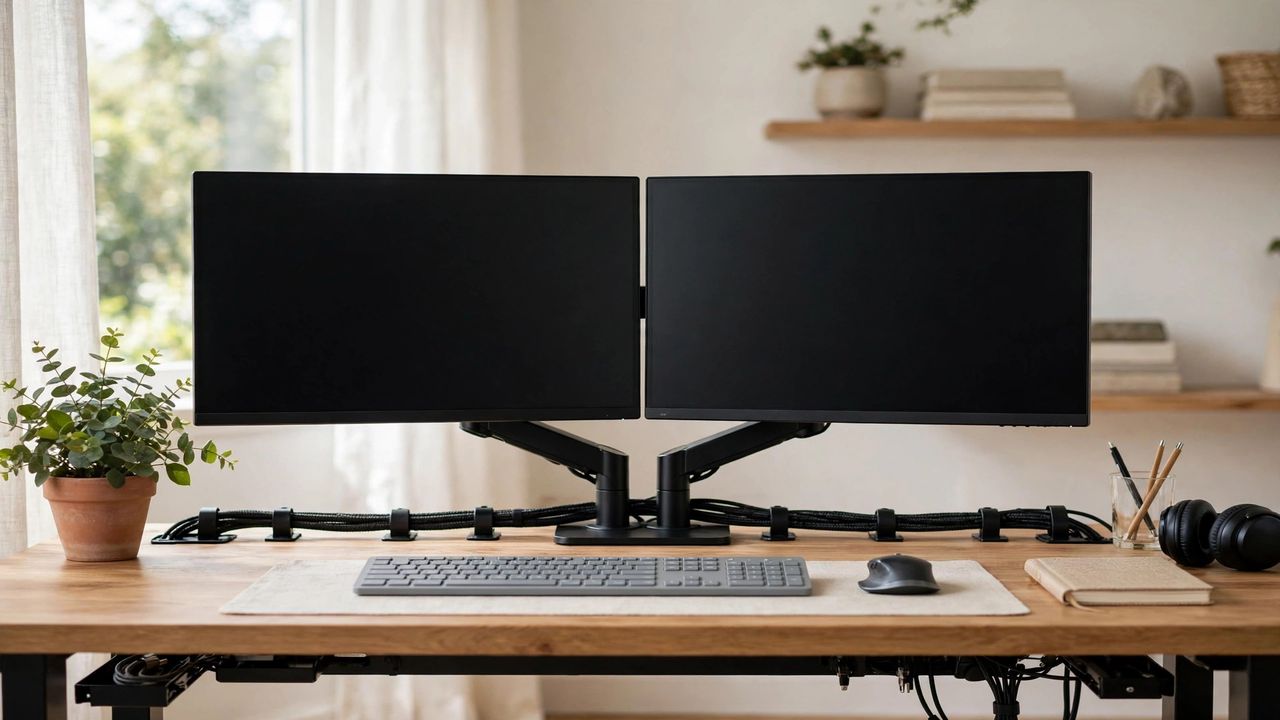
Alt-tabbing between windows hundreds of times a day is a hidden tax on your focus. A second monitor eliminates it: research on one screen, work on the other, and your brain stops context-switching. In 2026, decent monitors are cheap enough that a dual setup pays for itself in saved time within weeks. Here is how to set it up right.
Match your monitors (mostly)
Two identical monitors give the smoothest experience — same colors, same height, no jarring jump when you drag windows across. If budget is tight, make the primary monitor the better one and the secondary a simpler panel. Match the heights physically even if the models differ; a neck-craning setup will hurt within days. Identical resolution on both screens keeps text and windows the same size everywhere.
Position for your neck, not your desk
Place your main monitor directly in front of you and the second one angled slightly to your dominant side — like an open book. Both tops should sit at or just below eye level, about an arm's length away. Use a dual monitor arm, not the stock stands; it frees desk space and lets you align everything perfectly. Your neck should barely turn to glance at the second screen.
Assign each screen a job
Random window placement wastes the advantage. Give each monitor a role: main screen for active work (writing, coding, designing), secondary for reference (docs, chat, email, music). Keep communication apps on the secondary screen so notifications never cover your work. Full-screen your main task — the whole point is focus plus instant reference, not two screens of distraction.
Fix the cables and settings
Run both monitors at their native resolution and matching refresh rates, and arrange them in display settings to mirror their physical positions so your cursor moves naturally. Cable-manage on day one: a cheap under-desk tray and a few ties prevent the spaghetti mess that makes every future change miserable. Use one power strip with a switch so everything shuts off together.
A dual monitor setup in 2026 is one of the highest-ROI upgrades you can make: matched screens, ergonomic positioning, clear roles per monitor, and tidy cables. Set it up once, and every workday after feels just a little bit easier. Your alt-tab key is about to get very lonely.