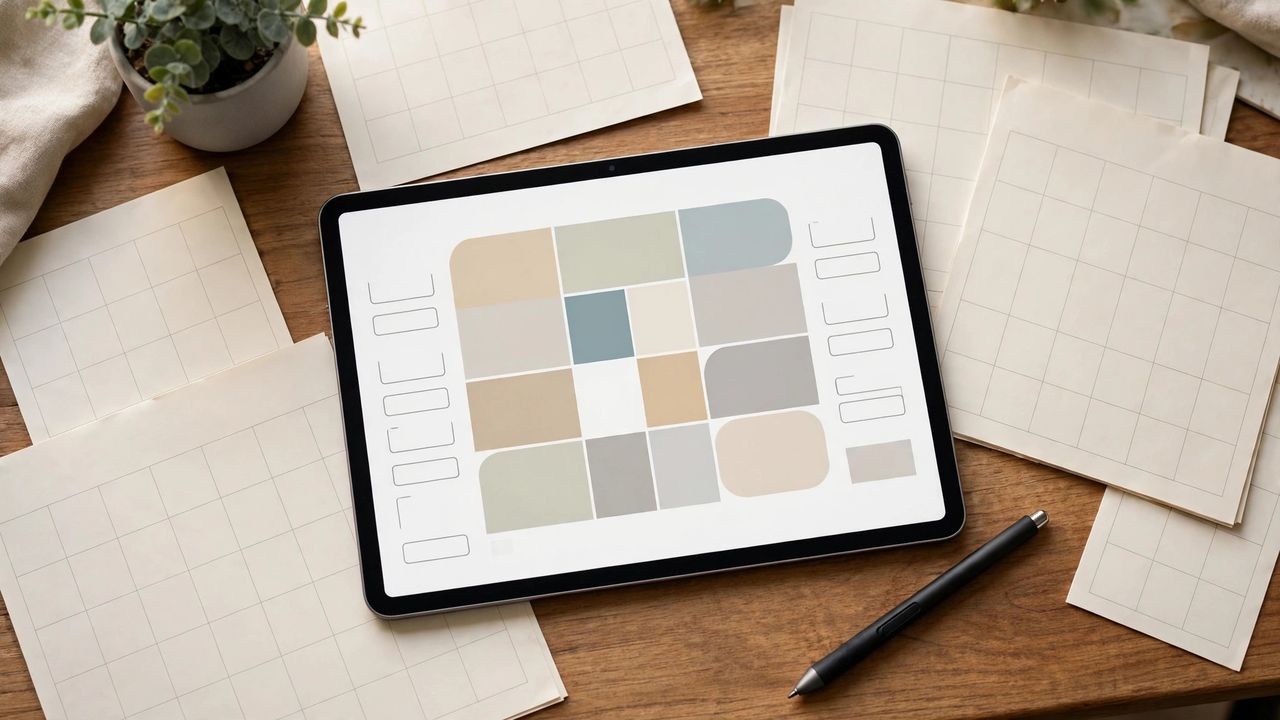
Paper planners are lovely until you lose one. Digital planning gives you the same satisfying structure with search, sync, and infinite pages — but the app landscape is crowded. Whether you love handwriting or live in databases, here is how to choose a paperless system you will actually use.
GoodNotes: For Handwriting Lovers
GoodNotes turns your tablet and stylus into an infinite paper planner — handwrite daily pages, tap hyperlinked tabs to jump between months, and search your handwriting later. Downloadable planner templates mimic beloved paper layouts. If writing by hand is what makes planning stick for you, start here and skip everything else.
Notion: For Systems Builders
Notion is a database disguised as a planner: linked task lists, habit trackers, project boards, and calendar views that all update each other. It is unbeatable for complex lives and team planning, but its blank-canvas freedom can become a procrastination project of its own. Use a ready-made template instead of building from scratch, or setup will eat your planning time.
Simpler Alternatives Worth Knowing
Apple's Freeform and Notes, Samsung Notes, TickTick, and structured apps like Structured or Sunsama cover the middle ground — less setup than Notion, less hardware than GoodNotes. Many people thrive on a simple daily note plus a task app. The best planner is the simplest one you will open every day, not the most powerful one.
Make It Stick: The Weekly Review
No app fixes a system you never review. Spend 20 minutes every Sunday: clear completed items, migrate unfinished tasks, and set three priorities for the week. This single habit matters more than any app choice. Apps organize; the weekly review is what actually keeps you on track.
Pick the style that matches your brain — handwriting, databases, or simple lists — set up one template, and start your Sunday reviews. Paperless planning works when the system is boring and the habit is sacred.