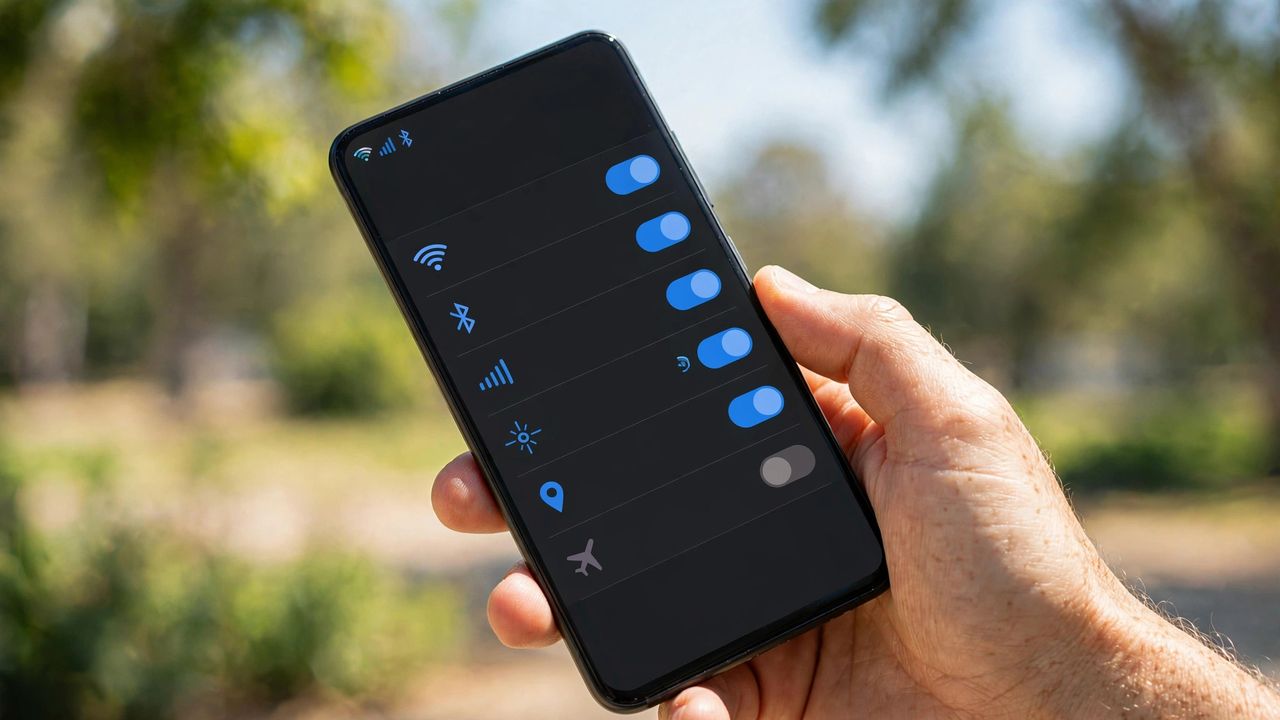
That "you've used 90% of your data" text always arrives at the worst moment. Most people burn far more mobile data than they need to — and fixing it takes about ten minutes of settings changes. Whether you're on a small plan or just tired of overage charges, these practical tips will stretch every gigabyte and possibly let you switch to a cheaper plan.
Find Your Biggest Data Eaters
Before changing anything, check which apps use the most data in your phone's settings (Settings → Mobile Data on iPhone, or Network & Internet → Data usage on Android). Video and social apps — YouTube, TikTok, Instagram, Netflix — are almost always the top offenders. Background refresh by apps you rarely open can also add up quietly. Knowing the culprits tells you exactly where to focus.
Tame Video and Social Apps
Video is the data monster: one hour of HD streaming eats about 3 GB. Lower video quality to 480p on mobile data in YouTube, Netflix, and TikTok settings — it still looks fine on a small screen. Turn off autoplay on social feeds so videos don't stream while you scroll. Better yet, download shows and playlists on Wi-Fi before leaving home and watch offline.
Stop Background Drain
Apps sip data behind your back all day. Disable background app refresh for apps that don't need it, and restrict background data per-app if your Android allows it. Set app updates and cloud backups to Wi-Fi only — these are classic data ambushes. Turn on your phone's built-in Data Saver mode, which limits background usage automatically. Small changes here can save hundreds of megabytes a month.
Use Wi-Fi Smarter and Pick the Right Plan
Connect to trusted Wi-Fi whenever available — home, office, cafés — and let your phone auto-join known networks. Use offline maps (Google Maps lets you download whole cities) and offline music instead of streaming on the go. Enable "download over Wi-Fi only" in Spotify and podcast apps too, and switch messaging apps to send photos at standard quality instead of HD when you're on mobile data. After a month of saving, check your real usage and downgrade your plan — many people pay for 20 GB while using 6. That single move can cut your bill for good.
Make it a habit to review your data usage on the first of each month — it takes two minutes and keeps surprises away. Combine these tips with a plan that fits your real habits, and overage fees become a thing of the past. Your wallet will thank you every single month. Every saved gigabyte is money back in your pocket.