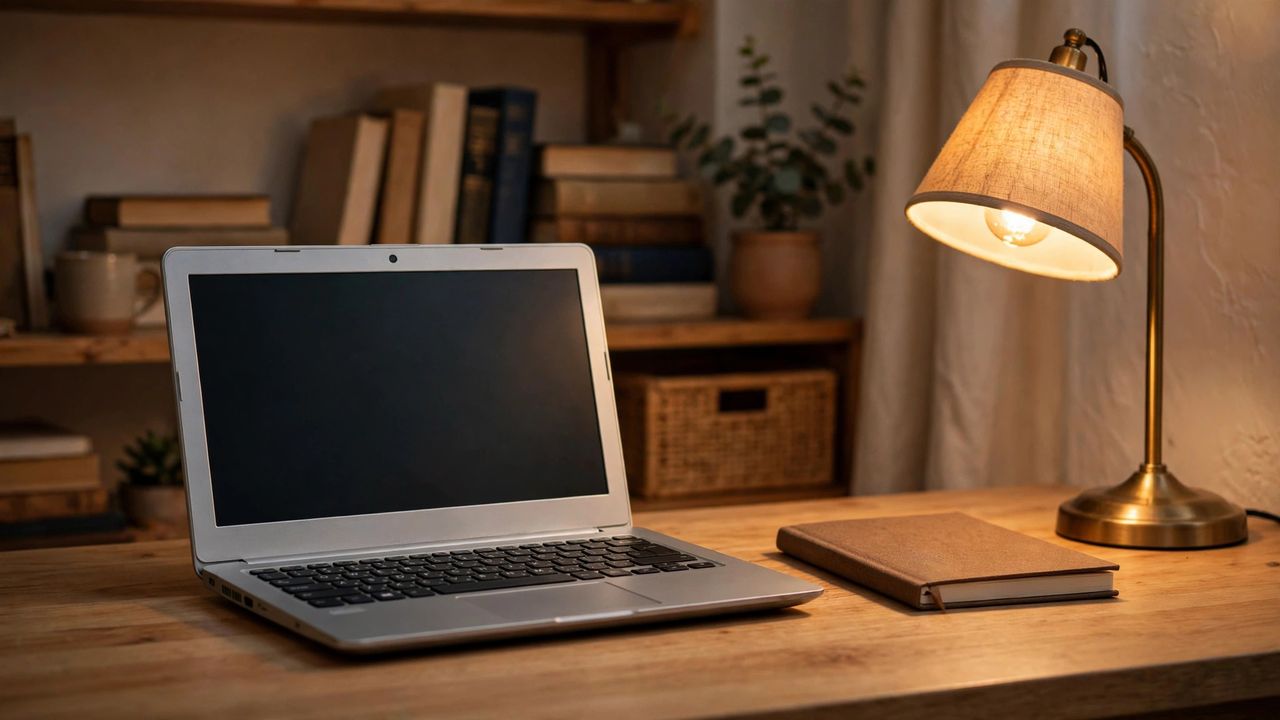
You don't need $1,000 for a laptop that handles school, office work, and streaming. In 2026, the sub-$400 market is genuinely good — if you know which specs matter and which are traps. The difference between a snappy budget machine and a frustrating one usually comes down to two components. Here's how to buy smart and avoid regret.
The Two Specs That Matter Most
Get 8 GB of RAM and a 256 GB SSD — non-negotiable. RAM below 8 GB means stuttering with a few browser tabs open, and old-style hard drives (HDDs) make even new laptops feel ancient. The processor matters less than sellers claim: a recent Intel Core i3, AMD Ryzen 3, or even a good Pentium/Celeron N-series handles everyday tasks fine. Prioritize RAM and SSD first, then pick the best CPU you can within budget.
Chromebook vs. Windows: Which to Choose
Chromebooks are the budget kings: fast, secure, great battery life, and excellent under $300 — perfect if you live in a browser (Gmail, Docs, YouTube, Zoom). Windows laptops cost a bit more but run full desktop software like Microsoft Office, Photoshop, and PC games. Students should check what their school requires; many are fine with either. If you need specific Windows-only programs, the choice is made for you.
Red Flags to Avoid
Walk away from 4 GB RAM or 64 GB storage — these machines struggle on day one and age terribly. Avoid "HD" (1366×768) screens if you can; Full HD (1920×1080) is noticeably sharper and common even at this price. Be wary of unknown brands with no reviews and laptops with sealed batteries you can't replace. Check the return policy before buying — a 30-day window lets you test real-world performance.
Where to Find the Best Deals
Refurbished business laptops (Lenovo ThinkPad, Dell Latitude) are the secret weapon: sturdy machines, often under $300, from reputable refurbishers with warranties. Back-to-school and holiday sales regularly drop good models into the $250–$350 range. Manufacturer outlet stores (Dell Outlet, Lenovo Outlet) sell open-box units cheap. Compare prices across two or three retailers — the same model can vary by $50 or more.
Final advice: buy for your actual needs, not a spec sheet fantasy. A $300 Chromebook that boots in seconds beats a $400 Windows machine with 4 GB of RAM every time. Set your budget, insist on 8 GB RAM and an SSD, and you'll land a laptop that serves you well for years. Just read a few verified owner reviews before clicking buy — a careful buyer always gets the best value.