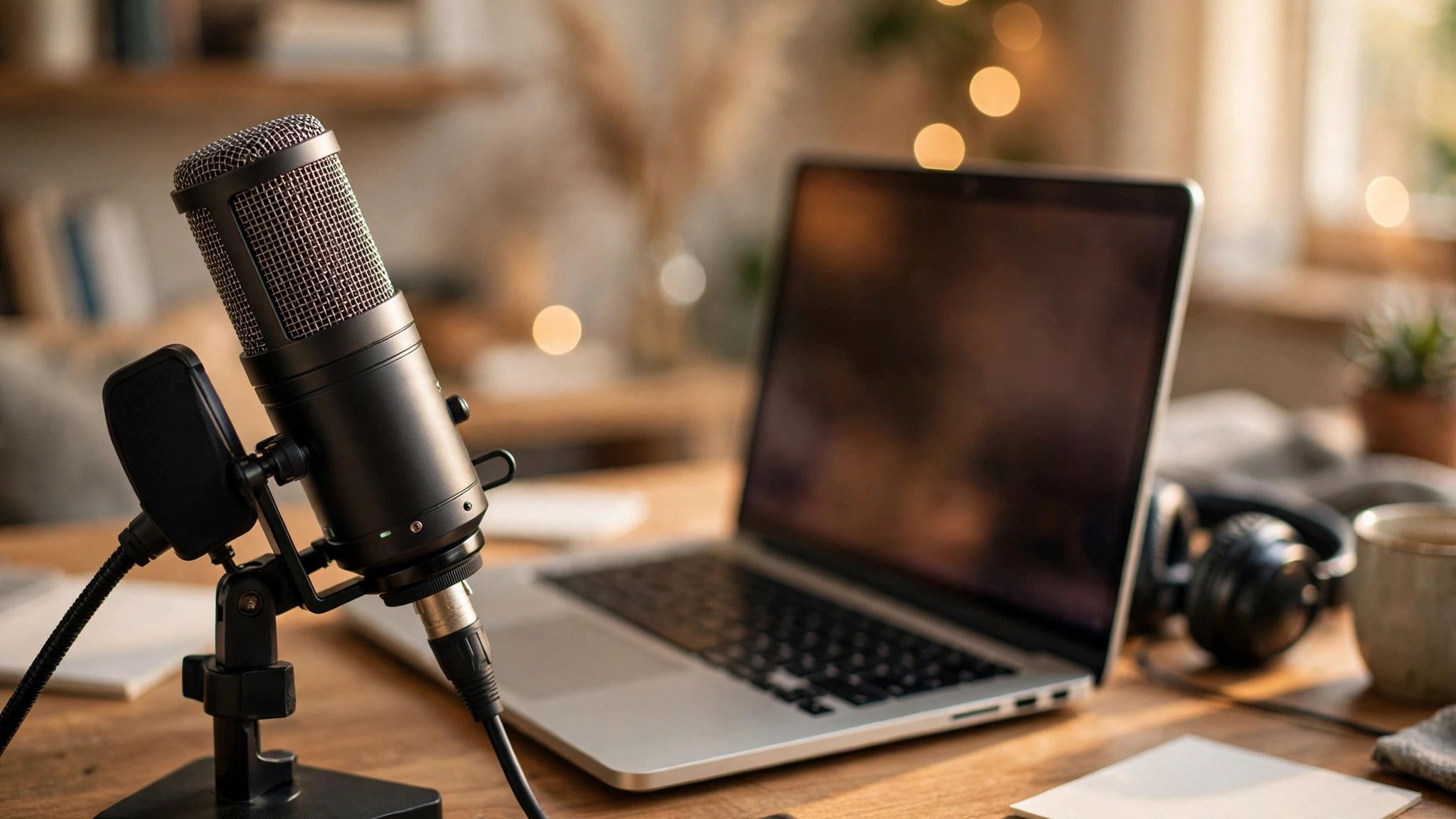
Whether you are streaming, podcasting, or just tired of sounding like you are calling from inside a tunnel, a good USB microphone is the single biggest audio upgrade you can buy. In 2026 the market is packed with excellent options — here is how to cut through the noise and pick the right one.
Why USB, and what to listen for
USB mics combine the microphone, preamp, and converter in one plug-and-play package — no audio interface, no extra gear, no setup headaches. What separates good from great is clarity in the vocal range, low self-noise, and honest frequency response. Read and watch real voice tests rather than trusting spec sheets; numbers cannot tell you how a mic flatters your voice.
Key features explained
Polar patterns decide what the mic hears: cardioid captures your voice and rejects room noise, making it the default for solo creators. Bidirectional suits interviews; omnidirectional suits roundtables. Onboard controls — gain, mute, headphone volume — matter more than you expect during live use. And check the mount: a mic that picks up every desk vibration needs a shock mount or boom arm.
Matching the mic to the job
Streamers want zero-latency monitoring and tap-to-mute for live control. Podcasters benefit from dynamic mics that forgive untreated rooms. Remote workers just need clear, natural voice with good noise rejection for calls. There is no single best mic — only the best mic for your room, your voice, and your use case.
Setup tips that matter more than price
Position the mic six to eight inches from your mouth, slightly off-axis, and speak across it rather than directly into it to tame plosives. Treat your room before upgrading your mic — soft furnishings beat expensive hardware. Record a test, listen back on headphones, and adjust. Great audio is a chain, and the USB mic is simply the strongest first link.