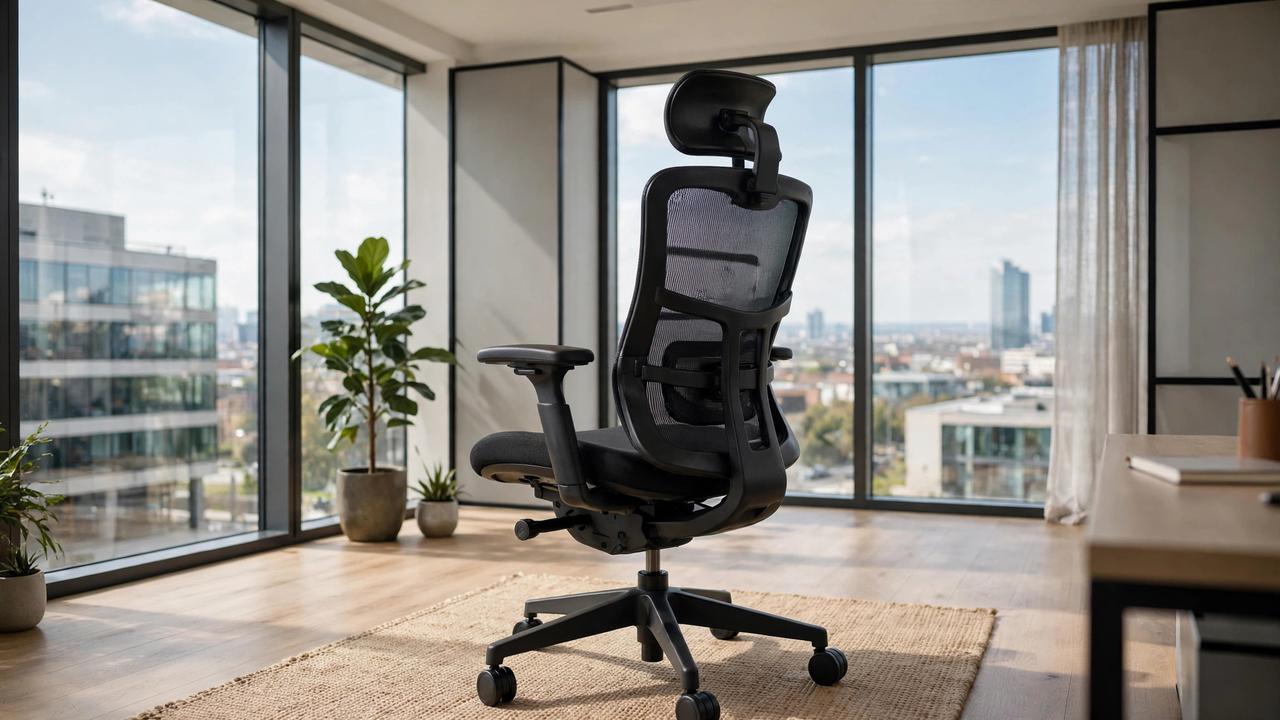
The average office worker sits for nearly eight hours a day, and a bad chair turns those hours into back pain, stiff necks, and restless legs. A genuinely ergonomic chair is not a luxury — it is the tool you spend a third of your life in. Here is what separates chairs that help from chairs that just look comfortable.
Lumbar Support: The Non-Negotiable
Your lower spine curves inward, and a chair should support that curve — not flatten it. Look for adjustable lumbar support that moves up, down, and in or out to match your body. Fixed lumbar bumps help some people and miss others entirely. If you already have back issues, prioritize this feature above everything else on the spec sheet.
Adjustability Checklist
A truly ergonomic chair offers seat height, seat depth, armrest height and width, backrest tilt with tension control, and a headrest. Seat depth matters more than most buyers realize — you want two to three fingers of space behind your knees. Armrests should support your elbows at roughly 90 degrees without hunching your shoulders. Fewer adjustments means the chair fits fewer bodies.
Mesh vs Cushion
Mesh backs breathe better and suit warm climates or long sessions, while high-density foam cushions feel plusher initially but can trap heat and flatten over time. The best chairs pair a breathable back with a well-padded seat. Check the weight rating and warranty — a 12-year warranty signals a manufacturer that expects its chair to last.
Setting It Up Right
Even the best chair fails in a bad setup. Sit with feet flat, knees at about 90 degrees, and the backrest supporting your full spine. Your monitor should sit at arm's length with the top at eye level. And remember: the most ergonomic position is your next one — stand, stretch, and walk briefly every hour no matter how good the chair is.