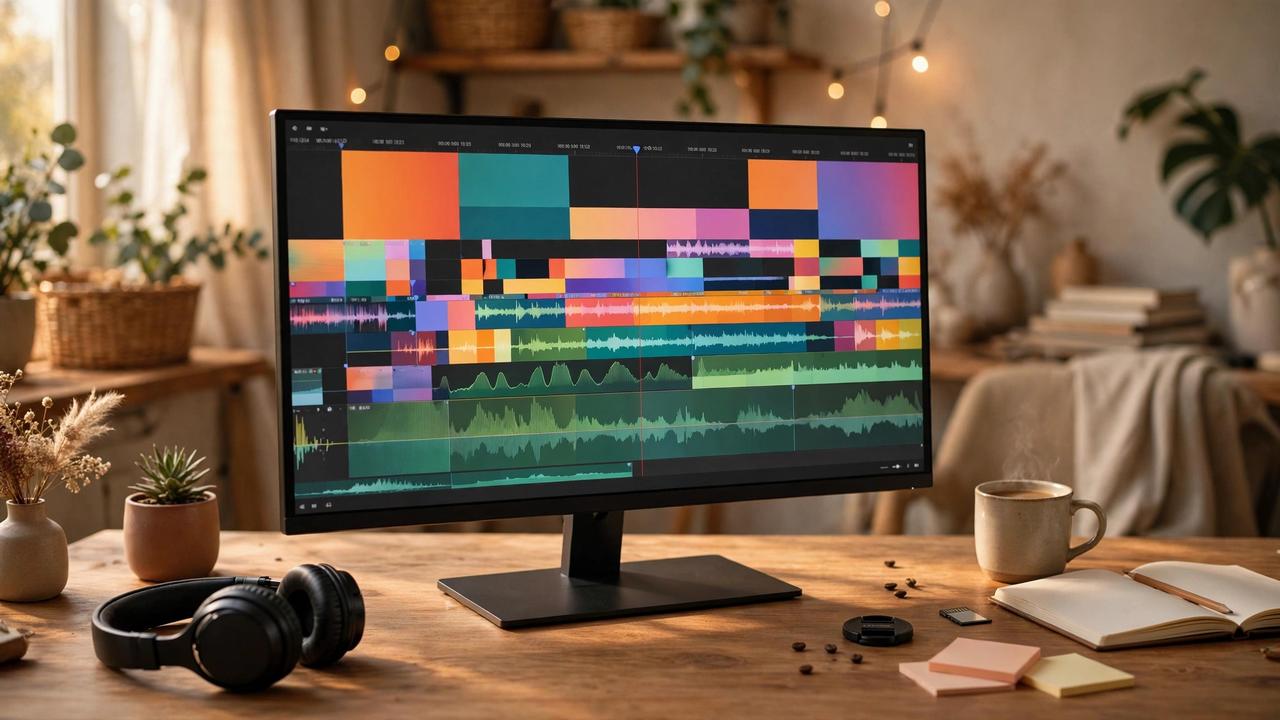
A 4K monitor is no longer a luxury purchase — in 2026 it is the sensible default for anyone who stares at a screen all day. But 4K alone tells you almost nothing. Panel type, color accuracy, refresh rate, and connectivity decide whether a display delights you or just fills your desk.
For creators: color is everything
Photo and video editors should chase factory-calibrated color accuracy — look for Delta E under 2 and 99 percent or better coverage of sRGB or DCI-P3. IPS and newer IPS Black panels deliver the viewing angles and consistency that VA panels cannot match. HDR support matters for video work, but only on displays with enough brightness to do it justice; cheap HDR-ready badges are marketing, not performance.
For gamers: speed meets resolution
Gaming at 4K used to mean choosing between sharpness and smoothness. Not anymore. 144Hz 4K panels have fallen into mid-range prices, and HDMI 2.1 is now standard on gaming-focused models for console play at 120Hz. Adaptive sync eliminates tearing, and response times under 5ms keep motion crisp. Just make sure your GPU can actually drive 4K at high frame rates before you pay for them.
For the office: comfort and connectivity
Office work rewards different virtues: a single USB-C cable that carries video, data, and 65W-plus charging declutters a laptop setup instantly. Height-adjustable stands, flicker-free backlights, and low blue-light modes reduce end-of-day eye strain. Ultrawide 4K variants exist, but a standard 27-inch 4K hits the sweet spot of sharpness and price for most desks.
What to check before you buy
Measure your desk — 32 inches of 4K needs more viewing distance than 27. Check the port list against your devices, read real reviews for backlight bleed, and remember that a great 1440p monitor beats a mediocre 4K one. Buy the panel that matches your work, not the spec sheet that impresses your friends.