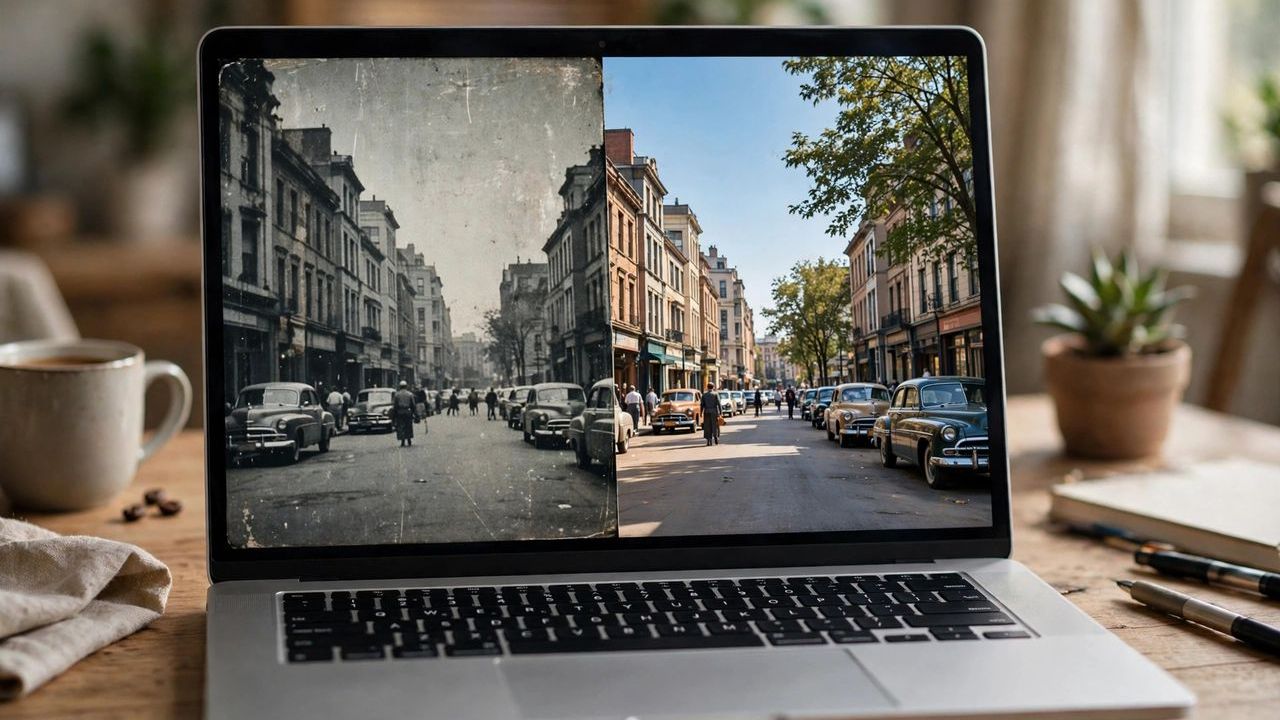
That blurry wedding clip from 2009 or the pixelated family holiday video could look shockingly good today. AI video upscaling uses machine learning to rebuild missing detail, and in 2026 the results are far cleaner than the smeary filters of a few years ago. You do not need a studio budget to try it at home.
How AI Upscaling Actually Works
Traditional upscaling just stretches pixels, which is why old results looked soft. AI models compare each frame against millions of training frames, recognizing faces, textures and edges, then reconstruct detail that plausibly belongs there. Modern models process motion across frames, so hair, foliage and fabric stay stable instead of flickering. The better the source quality, the more convincing the output — garbage in still matters, even with AI.
Pick the Right Tool for the Job
Desktop software like Topaz Video AI delivers the strongest quality and lets you fine-tune models per footage type, but it needs a decent graphics card and time. Browser-based tools are perfect for short clips and require zero installation. Always test on a 10-second sample before committing hours to a full video render. Free options have improved a lot in 2026 and handle mild upscaling well, so try them before paying.
Source Quality Makes or Breaks Results
AI cannot invent what was never recorded, so start with the best original file you have. Heavy compression artifacts confuse the model, so lightly denoising first often helps. Upscaling in two moderate steps, like 480p to 1080p then to 4K, usually beats one giant jump. Keep the original file archived — future models will do an even better job, and you will want to re-process.
Practical Settings That Deliver
For old camcorder footage, choose a model trained for interlaced or noisy video and enable grain preservation if you want a filmic feel. For phone clips, a detail-focused model with moderate sharpening works best. Resist the urge to max out sharpening; overcooked video looks artificial and fatiguing. Export in a modern codec like H.265 to keep the bigger 4K file at a manageable size.
AI upscaling will not turn a 144p mess into cinema, but it genuinely rescues the memories most families care about. Grab your oldest clip, run a sample, and see the difference yourself.