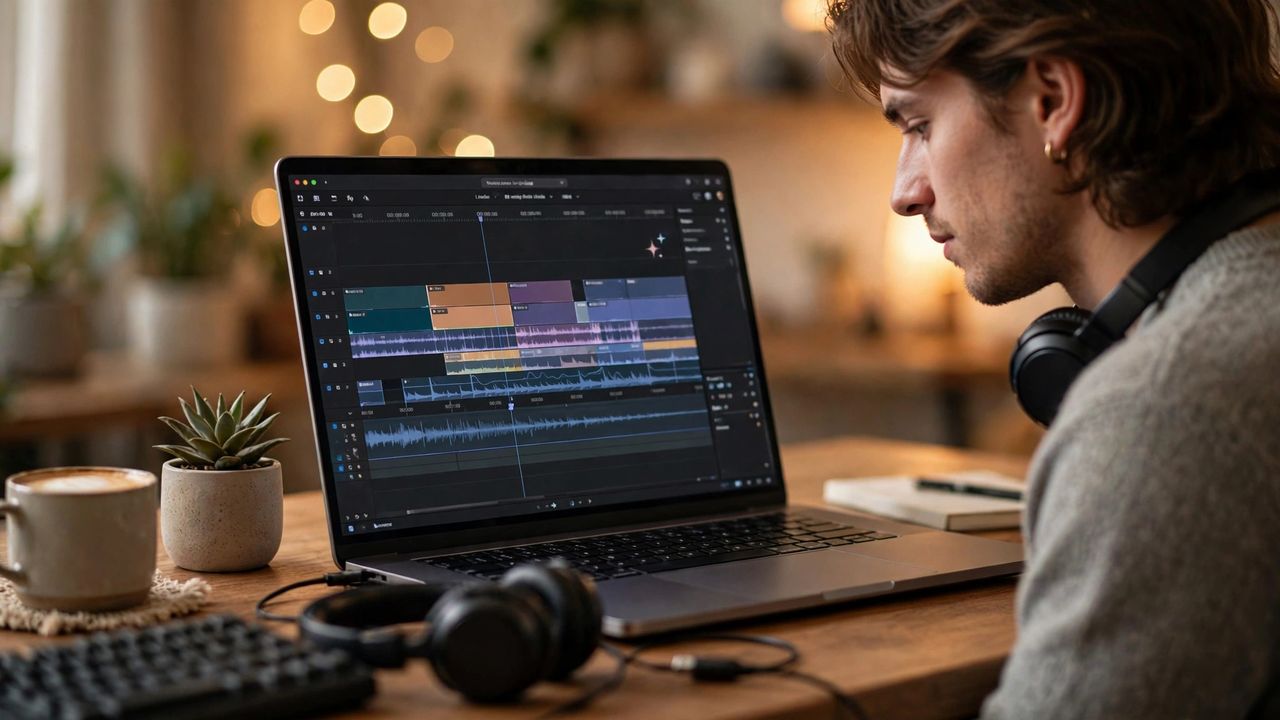
AI video editing has moved from novelty to professional workflow. In 2026, creators who once spent a full day cutting footage now finish in under an hour. The shift is not about replacing your creativity — AI handles the tedious 80% so you can spend your energy on the story that matters.
Edit Video Like a Text Document
Several modern editors transcribe your footage automatically and let you edit video by editing the transcript. Delete a sentence from the text and the matching clip disappears from the timeline. Start here: import one talking-head video and try cutting only with the transcript — it is the fastest way to feel the time savings, and it works even if you have never opened editing software before.
Let AI Remove Silences and Filler Words
Long pauses, repeated takes, and constant filler sounds eat up editing time. AI tools now detect and cut dead air automatically, tightening a raw recording into a punchy final cut in seconds. Review the automatic cuts once before exporting, because the tool sometimes trims a pause that adds drama — keep the meaningful ones, cut the rest.
Auto-Captions That Actually Look Good
Captions are no longer optional: most viewers watch with the sound off. AI captioning now handles punctuation, speaker labels, and animated word-by-word styles automatically. Burn in captions for social clips and export SRT files for long videos so every platform shows them correctly. A two-minute check for misheard words saves you from an embarrassing mistranslation.
Templates, Styles, and Brand Consistency
If you publish regularly, set up reusable style presets once: fonts, colors, transitions, and intro sequences. AI can then apply your look to any new footage automatically, so every video feels like yours. Lock your brand kit before generating content at scale — consistency is what turns casual viewers into subscribers who recognize your work instantly.
The Human Review: Your Quality Control
AI makes editing fast, but it still makes mistakes: jump cuts on the wrong beat, captions overlapping faces, or a transition that spoils a reveal. Watch every video start to finish before publishing, ideally on the device your audience uses. A single five-minute review catches the small errors that separate professional work from obvious AI output.