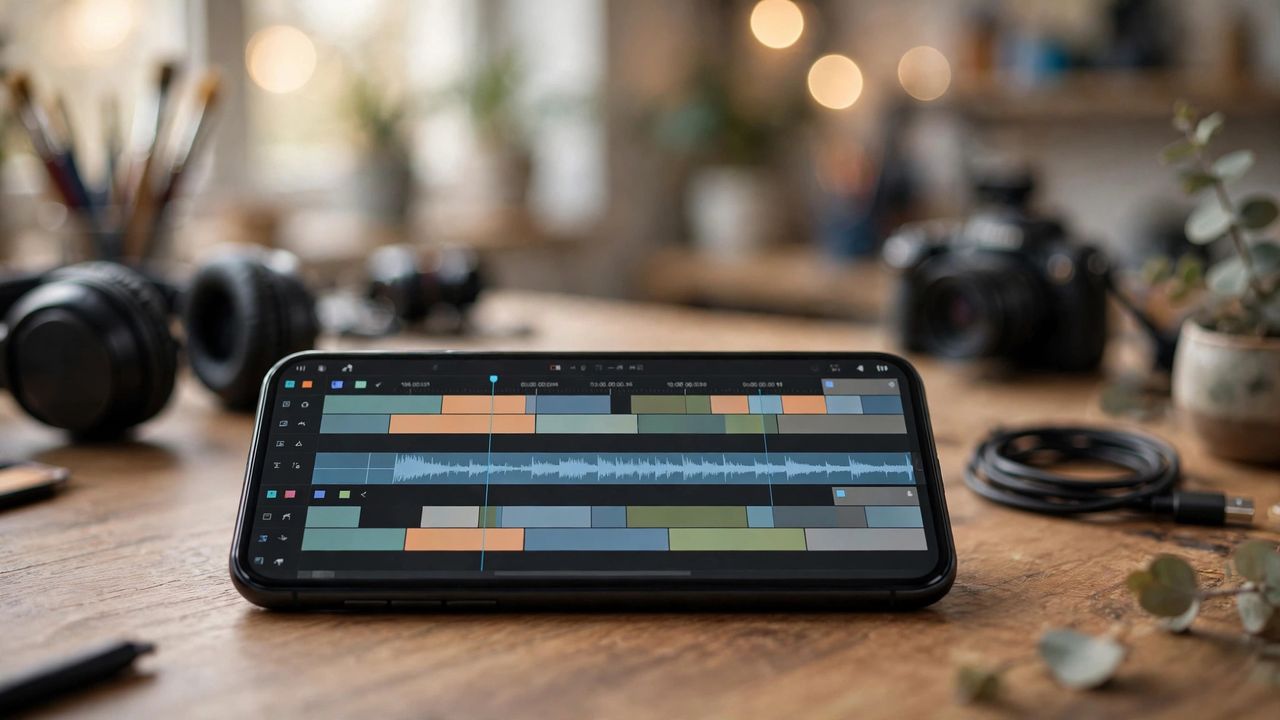
Video editing used to mean hours of timeline work on a desktop. In 2026, AI video editing apps can cut, caption, and polish a video on your phone in minutes. Whether you post on TikTok, YouTube, or Instagram, these apps are the fastest way to look professional.
Auto-Cut and Smart Trimming
The best AI editors detect silences, filler words, and boring sections automatically and remove them. Upload a talking-head video and get a tight cut in seconds. Tip: always review the auto-cut once — AI sometimes removes a pause you actually wanted for emphasis.
Captions That People Actually Watch
Over 80% of social video is watched on mute, so accurate, animated captions are non-negotiable. Modern apps transcribe your speech and style the words with kinetic effects in one tap. Check the transcript for errors on names and slang — a quick fix keeps you looking sharp.
Background Removal and Effects
Green screens are history: AI can cut you out of any background without special equipment and replace it with a studio look, blur, or a branded scene. Use this for product demos or face-cam content, but keep the effect subtle — viewers notice over-processed video.
Choosing the Right App
Start with a free tier and test it on real footage before paying. Look for export quality (1080p minimum, 4K if you film in it), no watermark on free exports, and templates that match your content style. One app you master beats five you half-know — pick one and learn its shortcuts.
Your first AI-edited video will take you minutes, not hours. Shoot, let the AI do the rough cut, add your captions, and publish. Consistency beats perfection — the algorithm rewards creators who post.