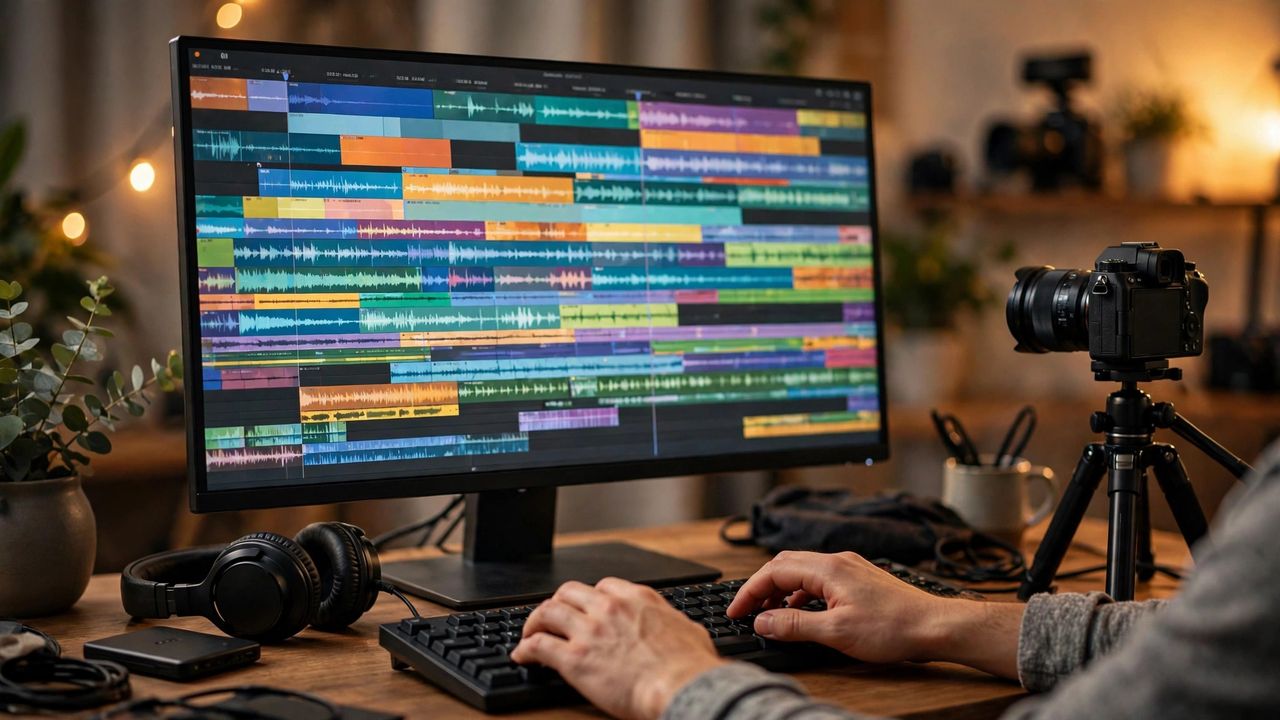
A few years ago, editing a good video meant spending weeks learning complicated software. In 2026, that's over. AI-powered editing tools now handle the boring technical work — cutting silences, adding captions, polishing footage — so you can focus on the story. Whether you're a YouTuber, a TikTok creator, or just filming family moments, here's how to edit like a pro without the learning curve.
1. Let AI Cut the Boring Parts Automatically
The biggest time-saver in modern editing is automatic silence and filler removal. AI detects pauses, "ums," and dead air in your audio, and cuts them out in one click. What used to take an hour of timeline scrubbing now takes seconds.
Many tools also spot highlights — the funniest moments, the loudest reactions, the key quotes — and assemble a short trailer automatically. Record everything, let the AI find the gold, then fine-tune the result.
2. Captions That Write Themselves
Most people watch videos with the sound off, so captions aren't optional anymore. AI transcription turns your speech into perfectly timed subtitles in seconds, in dozens of languages — and can translate them too.
Pro tip: style your captions. Bold keywords and word-by-word animated highlighting can double your watch time on short-form platforms. Review the text once — AI sometimes mishears names and slang.
3. Background Removal and Instant Effects
Want a green-screen effect without a green screen? AI background removal isolates you from any room, so you can add blur, a virtual studio, or a brand-new scene. It even works on moving footage.
Other one-click effects include automatic color correction, noise cleanup for bad audio, and auto-framing that keeps you centered when you move. These small touches are what make a video feel "professional."
4. A Simple Phone-First Workflow
You don't need a computer. Shoot in good light, keep your phone's mic close for clean audio, and edit in a mobile AI editor. Import, auto-cut, add captions, clean up the background — almost done.
For export, use 1080p or 4K at 30fps for most platforms: 9:16 for Reels, Shorts, and TikTok, and 16:9 for YouTube. Keep a high-quality master and let platforms compress the upload. Always export a watermark-free master so you can reuse one video everywhere.
AI won't replace your creativity — it removes the busywork between you and your idea. Start this week: record one video, let AI cut and caption it, and publish. You'll be amazed how professional it looks with almost no editing knowledge.