You want your YouTube videos to look professional, but your bedroom wall isn't exactly a studio. In 2026, AI background removers solve this in one click: no green screen, no expensive setup. The AI separates you from your messy room in real time and replaces it with a clean blur, a virtual office, or any image you like. Here's how it works and how to get the best results.
How AI Background Removal Works
Behind the magic is a neural network trained on millions of images of people. It analyzes every frame of your video and identifies exactly which pixels are "you" and which are background — dozens of times per second. Your hair, glasses, even a coffee mug in your hand are kept; the laundry pile behind you is not. Modern tools do this live during video calls or as a one-click effect on recorded clips. The whole process runs on your phone or laptop now — no cloud upload needed for most tools, which also keeps your footage private.
Features Worth Paying For
Not all background removers are equal. The most important quality is edge precision: cheap tools leave a flickering halo around your hair, good ones look seamless. Look for virtual background libraries (offices, libraries, abstract gradients) and the option to upload your own. A background blur slider is perfect when you want privacy without looking fake. Content creators should check for 4K export and batch processing, plus direct export to editing apps. Free tools are fine for video calls, but serious creators benefit from paid plans with higher resolution and no watermarks.
Tips for the Best-Looking Results
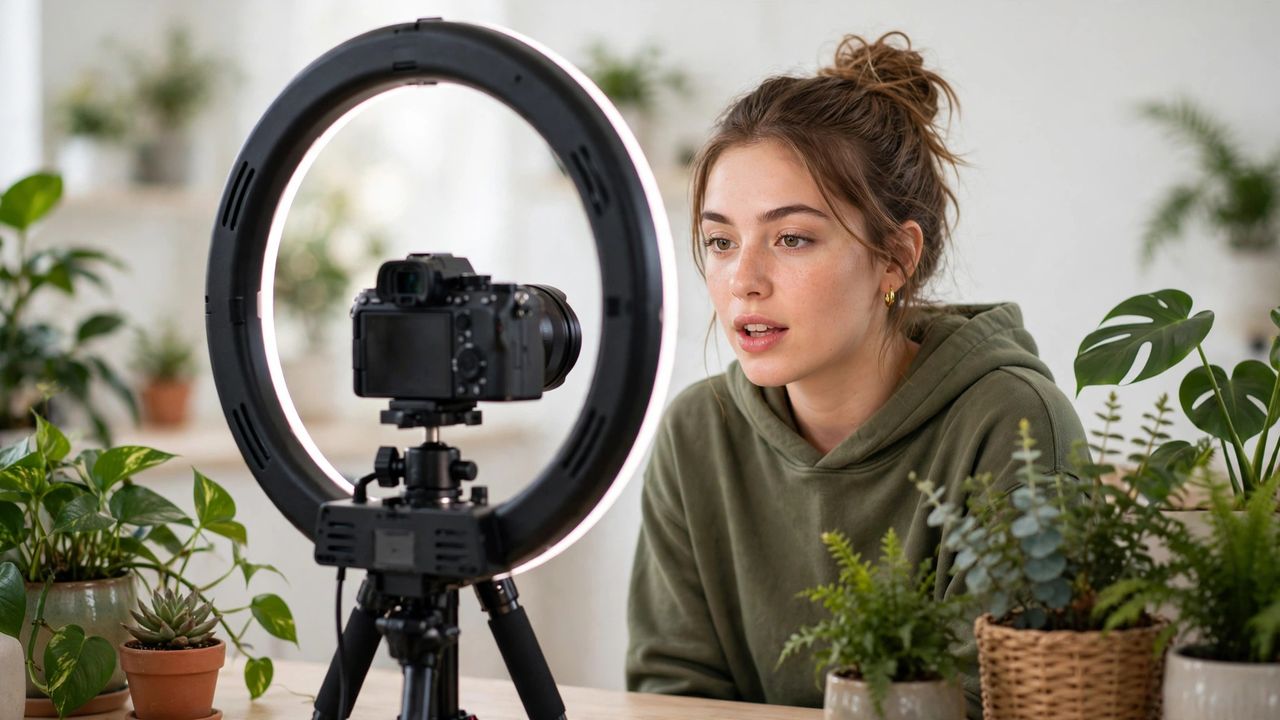
AI does the heavy lifting, but your setup still matters. Good lighting is everything: face a window or a cheap ring light so the AI can clearly see your outline — dark, grainy rooms confuse it. Keep distance from the wall behind you; a meter or two helps the AI separate you cleanly. Avoid wearing clothes that match your wall color, and tie back flyaway hair if the edges look glitchy. If the virtual look feels too artificial, use a subtle blur of your real room instead — it hides the mess while looking natural. Test with a short recording first, and adjust before the real shoot.
AI background removers have made the green screen optional. Whether you're on work calls, streaming games, or starting a YouTube channel from your bedroom, one click gives you a clean, professional frame. Light yourself well, pick your background, and let the AI handle the rest — your audience will never know about the laundry pile.