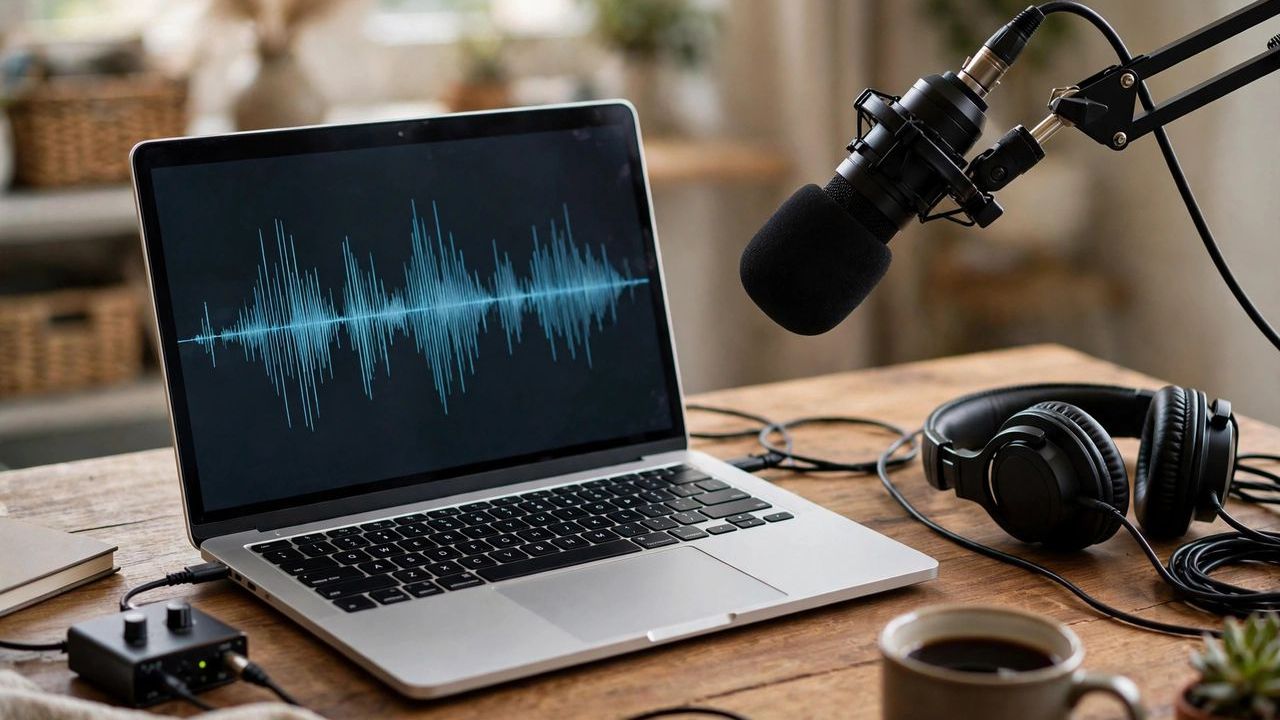
An hour-long interview used to mean four hours of painful typing. AI transcription tools now convert speech to text in minutes, with accuracy that rivals careful human work on clear audio. Journalists, students, podcasters, and office workers all use them to capture meetings, lectures, and voice notes. In 2026, most handle dozens of languages and even tell different speakers apart.
The Best Tools Right Now
Otter.ai is the go-to for meetings — it joins Zoom and Meet calls and delivers live notes. Rev offers fast AI transcription plus human review when accuracy is critical. Descript is built for creators, turning transcripts into editable audio and video. MacWhisper and Whisper (open-source) transcribe files on your own device, free. Google's Recorder app on Pixel phones is surprisingly excellent and completely free for quick voice notes.
Getting the Best Accuracy
The tool matters less than your audio. Record in a quiet room with the microphone close to the speaker — phone calls and echoey halls are the main causes of bad transcripts. Ask participants to state their names so speaker labels work properly. After transcription, always skim the result for names, numbers, and technical terms, which AI still mangles. Edit as you listen at 1.25x speed to catch errors fast.
Privacy and Cost Considerations
Free tiers usually include a few hours a month — enough for occasional use, not for daily meetings. Paid plans typically run $10–$30 monthly. Think twice before uploading sensitive recordings: legal, medical, or confidential business audio may be stored on company servers. Check the privacy policy, and prefer offline tools like Whisper for anything sensitive. Many services let you delete files after processing — do it.
Smart Ways to Use Transcripts
Don't just file transcripts away. Ask an AI chatbot to summarize a transcript into action items or study notes. Podcasters can turn episodes into blog posts and show notes instantly. Students can search lecture transcripts for exam topics instead of re-listening. Export subtitles (SRT files) for YouTube and social videos to reach a wider audience. Transcription turns every conversation into searchable, reusable text.
If you transcribe regularly, build a simple workflow: record, auto-transcribe, then skim-edit the same day while the conversation is fresh. Save transcripts in a searchable folder or note app. What starts as a convenience quickly becomes a personal archive of every important conversation you've had.