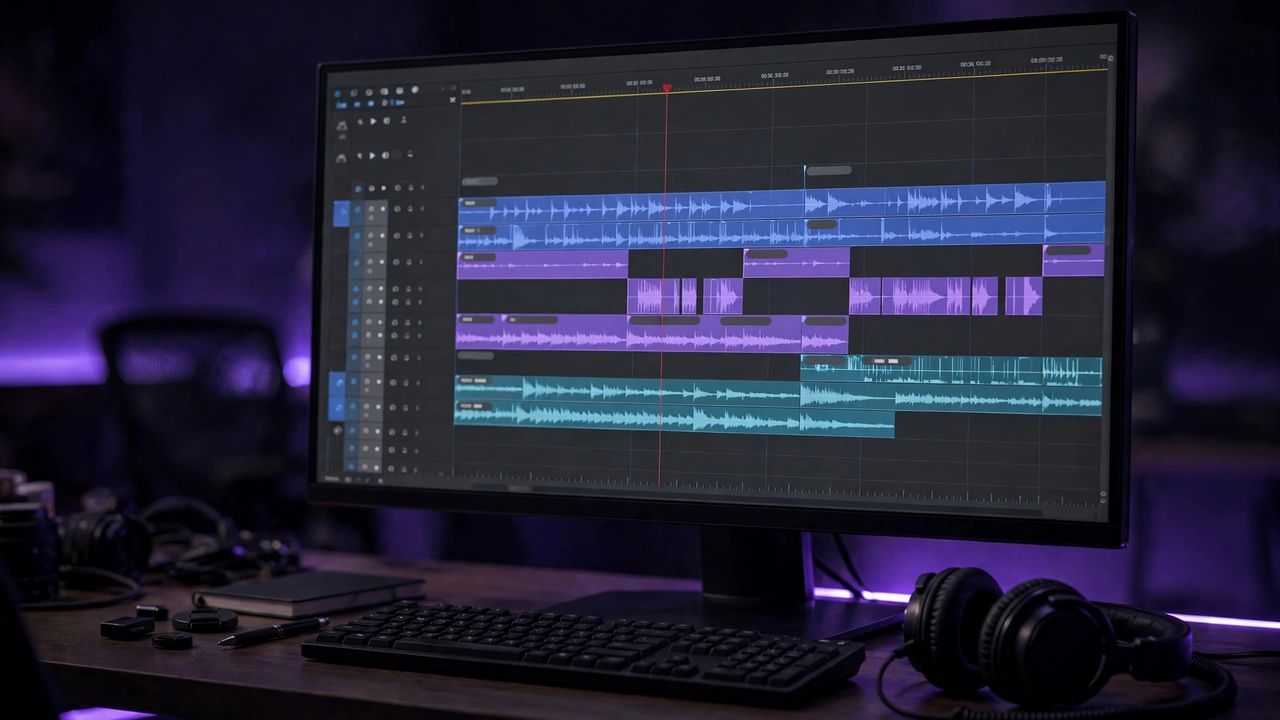
Most viewers watch videos on mute, so subtitles are no longer optional. AI subtitle generators transcribe your audio, time the captions, and even translate them — work that used to take hours now takes minutes.
1. CapCut — Free and Fast
CapCut's auto-caption feature detects speech and generates animated subtitles with one tap. It is the go-to choice for TikTok and Reels creators who need stylish captions quickly.
The key point: CapCut's free tier covers everything most short-form creators need — start here before paying for anything.
2. Descript — Edit Video by Editing Text
Descript transcribes your video into an editable document, so you cut filler words and fix mistakes by editing text. It is perfect for YouTubers, podcasters, and course creators.
The key point: always proofread the transcript once — AI nails clear speech but stumbles on names and accents.
3. Veed.io — Subtitles in 100+ Languages
Veed auto-generates subtitles and translates them into dozens of languages, which is ideal for reaching international audiences. Its browser-based editor needs no installation.
The key point: translated subtitles multiply your audience — one video can serve viewers in many countries.
4. Subtitle Best Practices
Keep each line under 42 characters, use high-contrast colors, and give viewers enough reading time. Burned-in captions work best for social feeds; SRT files are better for YouTube.
The key point: readability beats style — viewers forgive plain captions but never forgive unreadable ones.
Upload your next video to any of these tools and publish with captions from day one. Your watch time and reach will improve almost immediately.