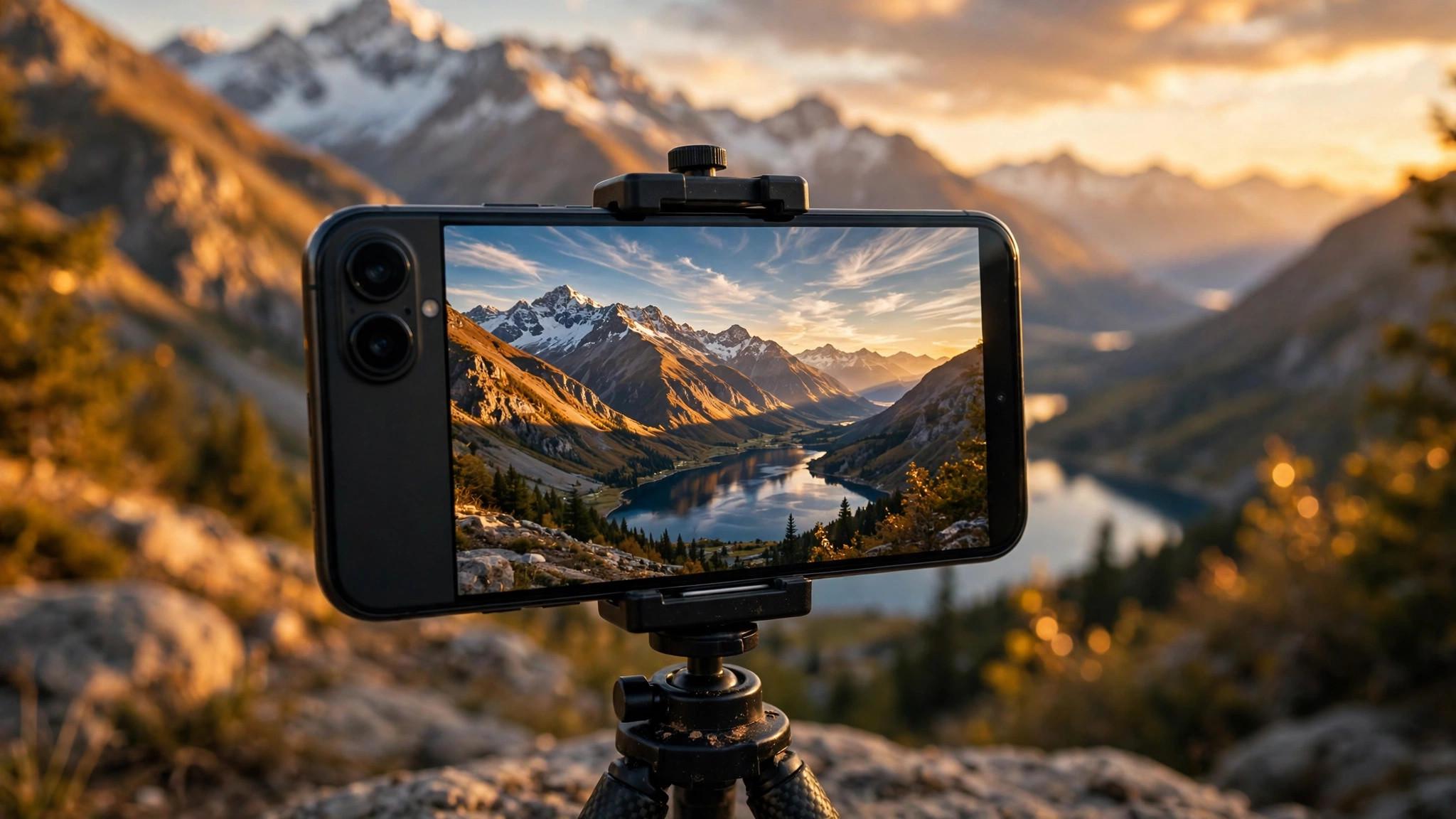
The best camera is the one in your pocket — and in 2026, it is smarter than ever. AI photography features now handle exposure, focus, and lighting in real time. With the right settings and a few tricks, your smartphone shots can look genuinely professional.
Let the AI Do the Heavy Lifting
Modern phones use computational photography — they merge several frames into one perfect shot. Turn on night mode after dark, use the portrait mode for people, and enable HDR for high-contrast scenes. Don't fight the AI: tap to focus on your subject, then slide exposure down slightly for richer colors. The phone does the rest.
Composition Beats Megapixels
A 12MP camera with great composition beats a 108MP camera pointed at nothing. Use the rule of thirds grid (turn it on in camera settings), look for leading lines like roads and fences, and get close instead of zooming digitally. Clean your lens before every shoot — a smudged lens is the #1 reason phone photos look soft.
Light Is Everything
Golden hour — the hour after sunrise and before sunset — makes any subject look amazing. At midday, move your subject into soft shade to avoid harsh shadows. Indoors, face a window instead of using the flash; window light flatters faces far better. For night shots, hold the phone steady or prop it on something and let night mode do its magic.
Edit Like a Pro in 60 Seconds
Free apps like Snapseed or your phone's built-in editor are enough. Crop tighter, straighten horizons, and lift shadows slightly. Avoid heavy filters — small adjustments look professional, big ones look artificial. Shoot in your phone's RAW or high-efficiency format if you plan to edit seriously.
Bottom line: learn your phone's AI modes, chase good light, and edit lightly. Do that and people will start asking what camera you use — the answer will be the one already in your pocket.