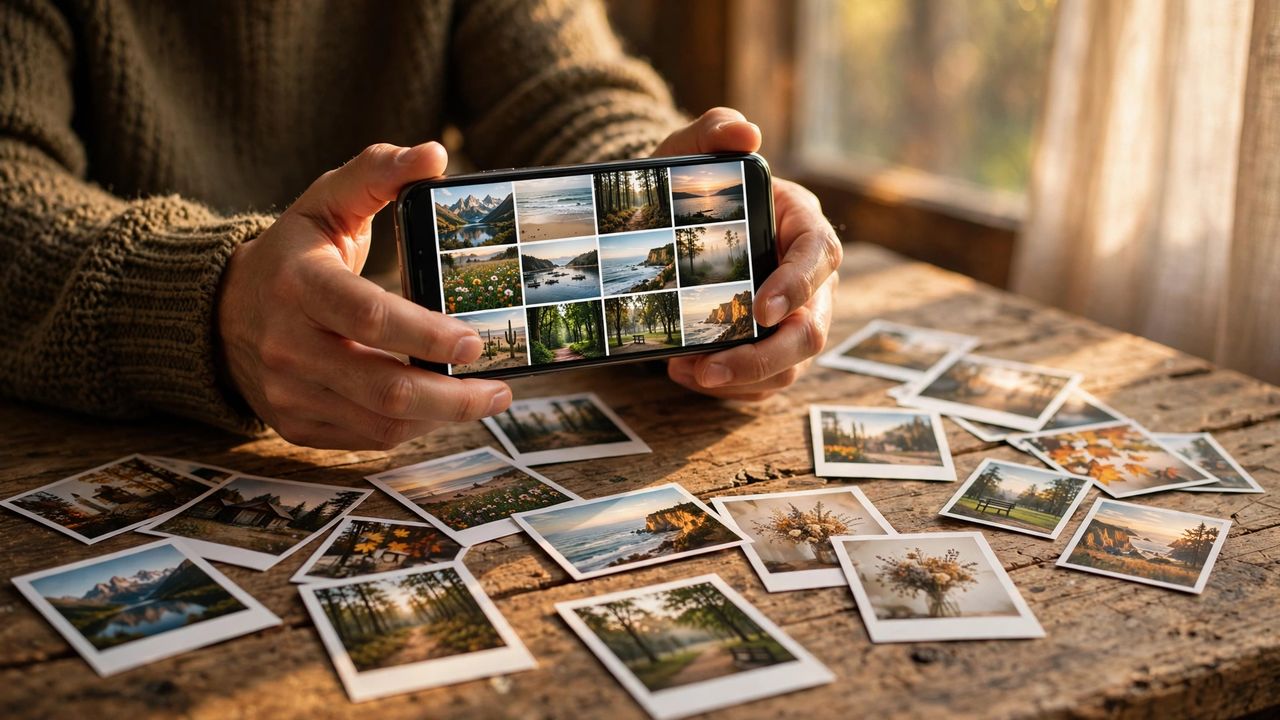
Ten thousand photos. Three thousand are screenshots, five hundred are near-identical bursts, and the one perfect shot from last summer is buried somewhere in the middle. AI photo organizers exist for exactly this chaos — they sort, tag, dedupe, and resurface your memories automatically. Here is how to tame the roll.
Auto-sorting and face tagging
Modern organizers recognize faces, pets, places, and even objects — search beach dog 2024 and it just works. Let face tagging run fully before judging it; the first pass is rough, but confirming a few tags trains it to near-perfect accuracy fast. Group photos by person once, and every future search gets smarter.
Killing duplicates and clutter
Burst mode and accidental re-saves create hundreds of near-duplicates. AI dedupe tools find them and keep the sharpest version. Review duplicates in batches of fifty, not five hundred — decision fatigue leads to keeping everything, which defeats the purpose. Screenshots and memes deserve their own auto-sorted album, not your main timeline.
Memories, rediscovered
The best feature is not organization — it is rediscovery. On-this-day memories, auto-made highlight reels, and location-based collections turn a photo dump into a story. Favorite ruthlessly as you browse memories; your favorites album becomes the curated life story the raw roll never was. Share one memory weekly with family — it is the feature grandparents love most.
Backup before you organize
Organizing is pointless if the photos are not safe. Follow the 3-2-1 rule: three copies, two different media, one off-site in the cloud. Set up automatic cloud backup before you delete a single duplicate — organization without backup is just tidying a house with no insurance. Verify the backup actually restored once; trust, but verify.
Your photos are your memory — stop letting them rot in a chaotic roll. Sort, dedupe, back up, and let the AI keep the story organized from here.