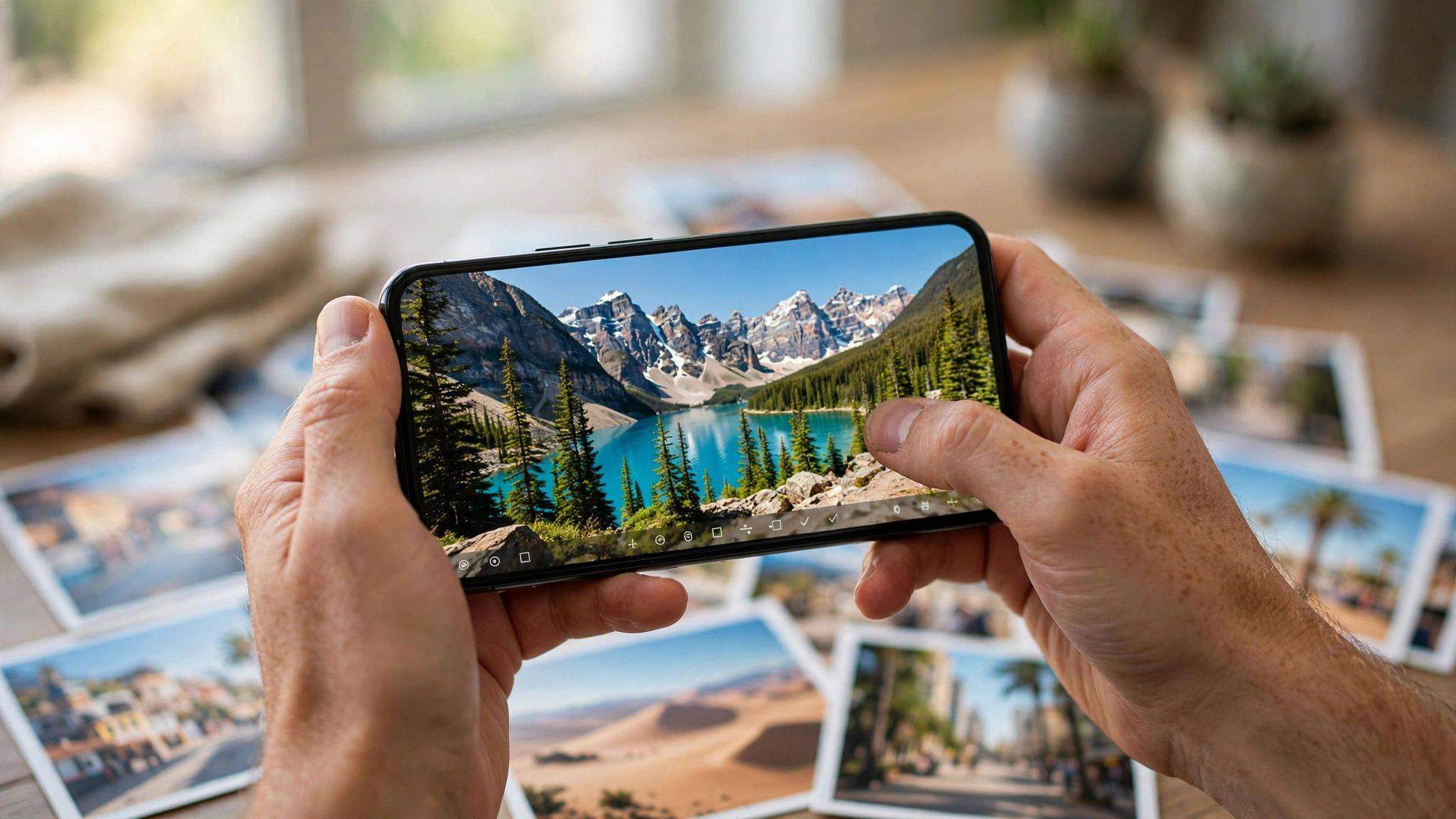
That blurry birthday shot, the dark restaurant photo, your grandmother's faded portrait — AI photo enhancers can rescue them all in seconds. In 2026, these tools do far more than add filters: they upscale resolution, remove noise, fix lighting, and restore old photos with shocking quality. Here is which enhancers are actually worth using.
What AI Photo Enhancers Can Really Do
Modern enhancers use generative AI trained on millions of photos to intelligently rebuild missing detail. Upscaling turns a tiny 500px image into a sharp 4K version by predicting realistic texture — not just stretching pixels. Denoising cleans up grainy night shots while preserving real detail. Face restoration rebuilds blurry faces with natural-looking results (though very damaged faces can look slightly artificial). Old photo restoration removes scratches, fixes fading, and even colorizes black-and-white images. The key limit: AI reconstructs plausible detail — it cannot recover what was never captured.
The Best AI Photo Enhancers in 2026
The top tools now deliver one-click enhancement with genuinely impressive results on portraits, landscapes, and old scans. Dedicated upscalers excel at enlarging images for printing without the mushy look of old methods. Restoration specialists focus on damaged vintage photos with scratch removal and colorization. All-in-one photo editors with AI features are best if you want enhancement plus manual control. Free tiers usually limit resolution or monthly credits — fine for occasional fixes, but heavy users need a subscription. Always compare before/after at full zoom; thumbnails hide quality differences.
Tips for the Best Results
Start with the highest-quality original you have — enhancing a compressed social-media copy gives worse results than the original file. Apply enhancement before cropping, so the AI has maximum data to work with. Use moderate settings first; maximum strength often creates plastic-looking skin and weird textures. For faces, prefer tools with dedicated face models — generic upscalers can distort eyes and teeth. Save the enhanced version as a new file and keep your original untouched. And remember: enhancement improves photos, but good lighting at capture time still beats any AI fix.
AI photo enhancers in 2026 are genuinely magical for rescuing imperfect shots. Pick the right tool for your task, start from the best original, and watch unusable photos become keepers.