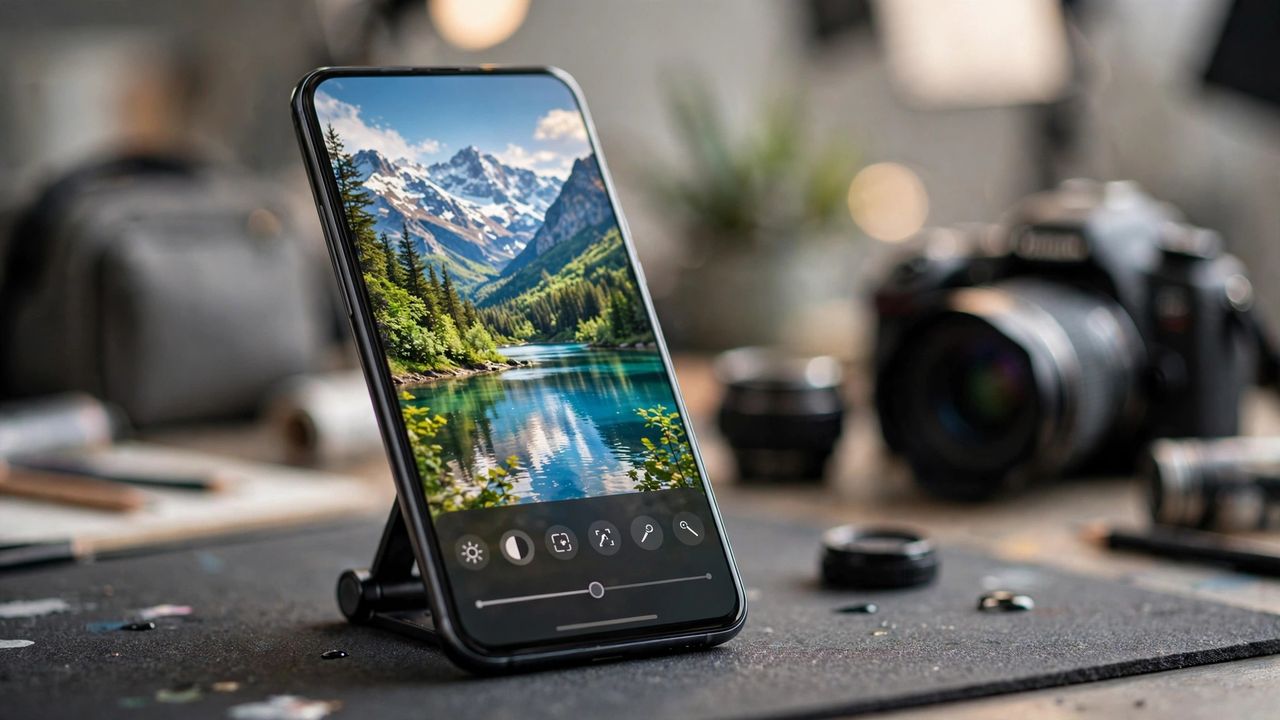
AI photo editing has left the "fun filter" stage far behind. In 2026, the best apps can erase strangers from your vacation shot, rebuild a blurry face, swap a grey sky for a sunset, and upscale an old photo for printing — all with one tap and no Photoshop skills. Here is how to pick the right one without wasting money.
What AI Editors Can Actually Do Now
The core tricks are now standard: object removal that fills the background convincingly, background replacement with realistic lighting, automatic enhancement that fixes exposure and color, face restoration for old or blurry portraits, and upscaling that doubles resolution for prints. The difference between apps is quality — cheap tools leave smudges and warped hands, good ones are nearly invisible.
Best Free AI Photo Editors
Free tiers in 2026 are genuinely useful. Look for apps that give daily free edits with full-resolution export and no watermark — those are the honest ones. Most free plans limit you to a few AI edits per day and reserve batch processing, 4K upscaling, and commercial use for paid plans. That is plenty for casual use: fixing holiday photos, cleaning up social posts, or restoring a grandparent's portrait.
Paid Picks Worth the Money
Pay when you hit a wall: unlimited edits, watermark-free 4K exports, and batch processing are the features worth paying for. Monthly plans usually beat one-time purchases because AI models keep improving. Before subscribing, test the free tier on your worst photo — if it cannot fix that one, the paid tier will not perform magic either.
How to Pick the Right App for You
Match the app to your real need. Quick social posts? A simple one-tap enhancer is enough. Selling products online? You need background removal and consistent lighting. Also check privacy: prefer apps that process on your device or clearly delete your uploads — your family photos should not become training data without your consent.
Practical Tips for Better Results
AI works best on good input: start with the sharpest original you have, and apply one strong edit instead of stacking five filters. Always zoom in and check hands, text, and edges after object removal — that is where mistakes hide. And go easy on skin smoothing: slightly imperfect skin looks human, plastic skin looks AI.