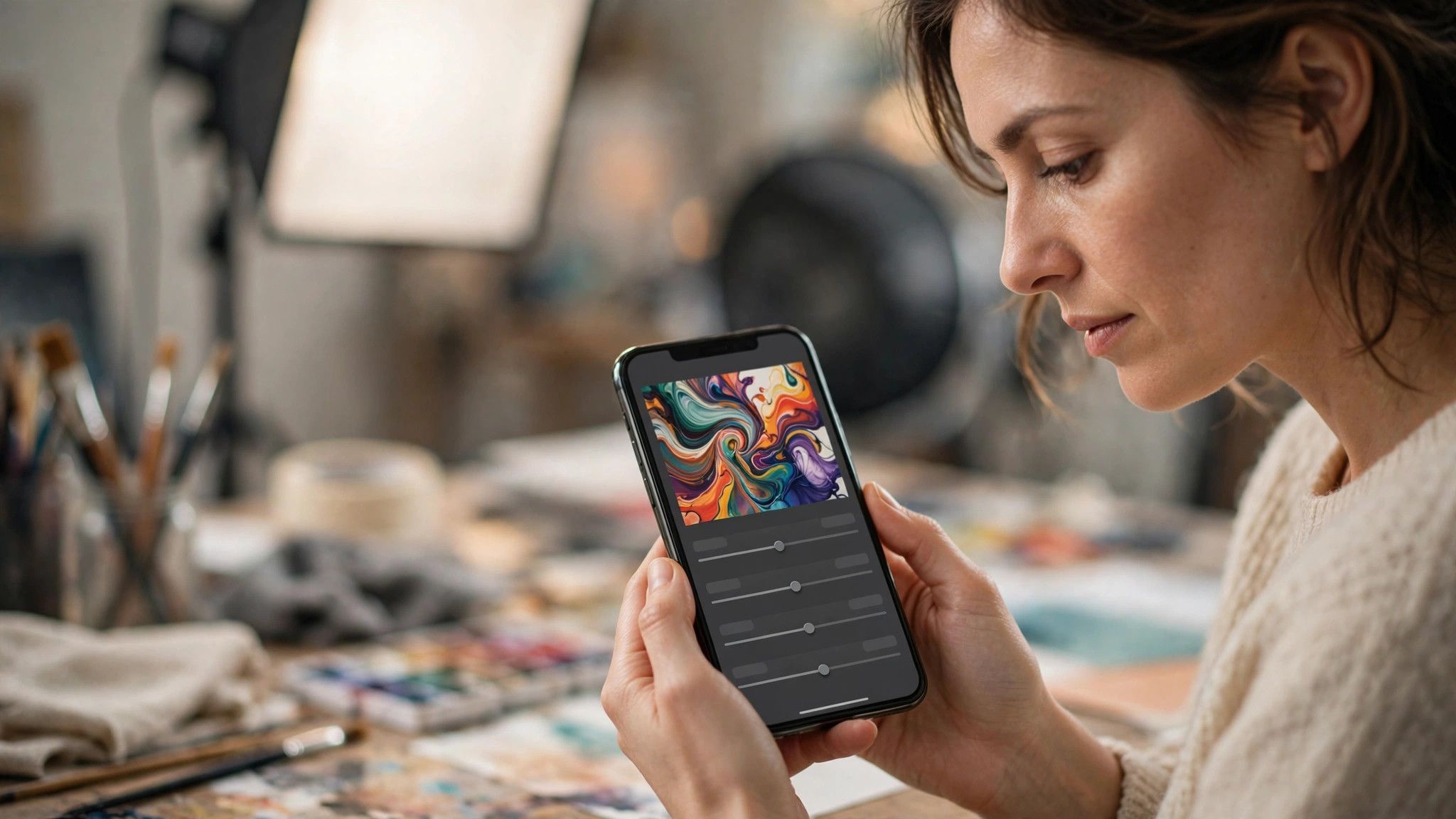
In 2026, professional-looking photos no longer require a professional photographer. AI editing apps can remove photobombers, enhance dull lighting, swap skies, and polish portraits in seconds — right on your phone. But with dozens of options, which ones are actually worth your time and money? Here are the seven that stand out this year.
Start with these strong free options
Google's editor with Magic Eraser remains the best free all-rounder, bundled with most Android phones and available free on iOS. Snapseed, also free, gives you surprisingly deep manual controls powered by smart auto-fix. For most people, a free app plus a good eye beats an expensive subscription they barely use. Try the free tier first — only upgrade if you hit its limits regularly.
For one-tap object removal
Apps like TouchRetouch and the eraser tools inside Canva and Lightroom Mobile erase unwanted objects, wires, and strangers with uncanny realism. The best ones fill in the background so naturally that nobody suspects an edit. Remove distractions, not reality — clean compositions get more likes than over-edited fakes.
For portraits and selfies
Dedicated portrait apps now offer AI skin smoothing, background blur, and studio lighting effects that mimic expensive camera gear. Use them with restraint: dial effects down to 50% and keep natural skin texture. The best portrait edit is the one nobody can detect — subtlety always wins over glamour mode.
For creative transformations
Paid powerhouses like Luminar and Adobe's AI features let you replace skies, relight scenes, and apply cinematic grades with a slider. They're ideal for creators who want a signature look across their feeds. Pick one creative style and stay consistent — a recognizable feed grows faster than a random one.
The perfect editing app is the one you'll actually use. Start free, master the basics — crop, light, remove, polish — and only pay for the AI tricks you find yourself wanting every week in 2026.