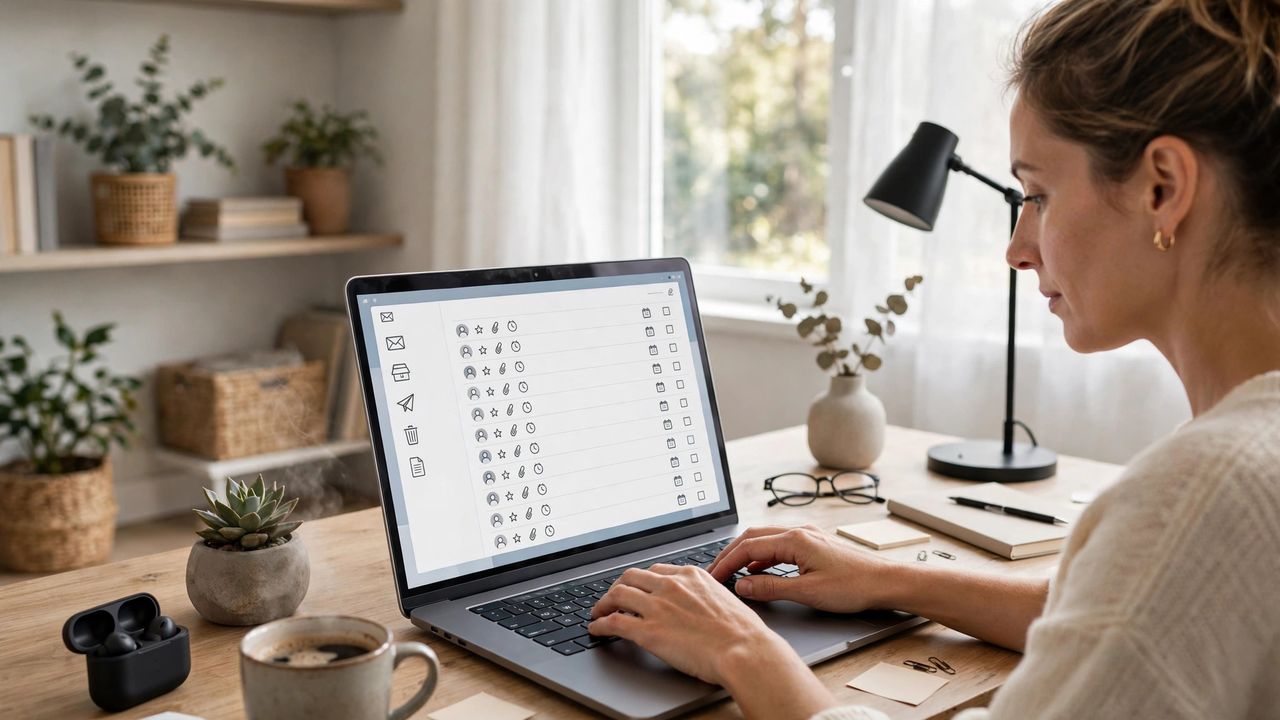
The average professional spends hours every week just managing email. AI email assistants in 2026 have matured from gimmicks into genuinely useful tools that draft replies, summarize long threads, and automatically sort what matters from what can wait. If your inbox feels like a second job, this guide shows you which features actually save time and how to use them without sounding like a robot.
Auto-draft replies in your own voice
The best AI email tools learn your writing style and draft replies you can send with one or two small edits. Give the tool a few example emails or let it study your sent folder so drafts match your tone — formal for clients, casual for coworkers. Always read the draft once before hitting send, especially for sensitive topics. An AI draft you review in 30 seconds beats a manual reply you spend 10 minutes writing.
Smart triage: let AI sort the inbox
Modern AI assistants label emails by urgency, summarize long threads in two sentences, and surface messages that actually need your reply. Some tools even auto-archive newsletters and promotions after summarizing them. Set up simple rules: urgent senders stay pinned, newsletters get a daily digest, and spam-looking senders get quarantined. Triage is the biggest time-saver — clearing your inbox is no longer about reading everything.
Write better subject lines and follow-ups
AI assistants can suggest subject lines that get opened and draft polite follow-ups for emails that got no response. If you are chasing a client or applying for jobs, schedule follow-ups so they send automatically after a few days. Keep follow-ups short — one clear question is more likely to get an answer. The follow-up you actually send is worth more than the perfect one you never write.
Privacy and etiquette matter
Choose email assistants with clear privacy policies — your inbox contains sensitive information. Prefer tools that process data securely and let you control what the AI can see. And tell important contacts when a reply was AI-assisted if the topic is delicate; honesty builds trust. Never feed confidential business emails into an AI tool whose privacy policy you have not read.
Start with a free AI email assistant, use it for one week on routine replies and newsletters, and measure how much inbox time you saved. Most people cut their email time in half — that is hours back every single week in 2026.