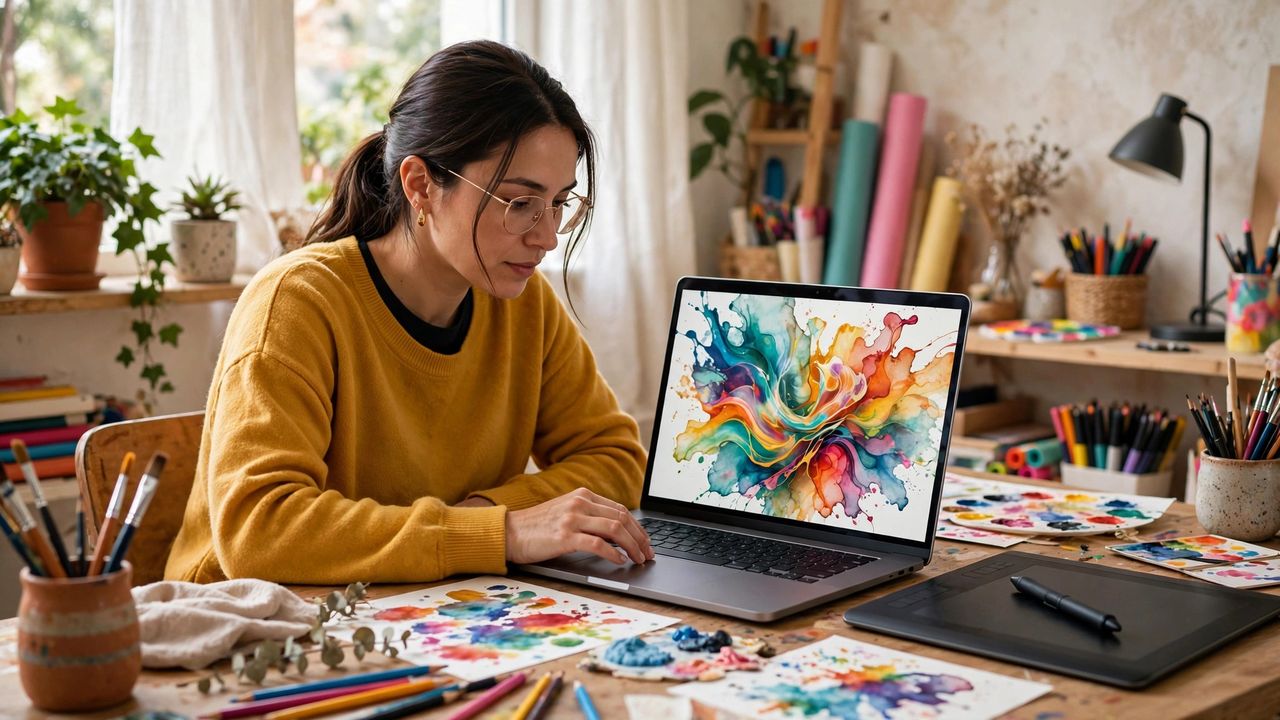
You no longer need design skills — or a designer budget — to get professional-looking visuals. In 2026, AI design tools generate logos, social media graphics, presentations visuals, and digital art from simple text descriptions. Small businesses, creators, and students are producing in minutes what used to take days. Here is how to use these tools well and avoid the generic look everyone recognizes.
Write prompts that get great results
The quality of your output depends almost entirely on your prompt. Describe the style, colors, mood, and composition: "minimalist coffee shop logo, warm earth tones, flat vector style, no text" beats "coffee logo" every time. Iterate — generate, refine the prompt, generate again. Describe style, color, and mood in every prompt, not just the subject. Vague prompts produce vague designs; specific prompts produce work that looks intentional and professional.
Design logos that do not look generic
AI logo generators can produce decent marks, but the raw output often looks familiar — because thousands of people used similar prompts. Customize: adjust colors to your brand, simplify overly complex results, and always check that the logo reads well at tiny sizes. Test your logo at favicon size before accepting it. If it is recognizable at 32 pixels, it will work everywhere; if it turns to mush, simplify it until it survives small.
Make social graphics in minutes
AI tools with template libraries are perfect for social posts: pick a layout, generate a background image, drop in your text with readable fonts. Keep one consistent color palette and font pairing across all your posts so your feed looks branded. Use the same two fonts and three colors on every graphic you make. Consistency is what separates "random AI images" from a recognizable brand people start to trust.
Know the limits and the ethics
AI-generated text inside images still garbles occasionally — always proofread words in your designs. Also, be thoughtful about usage: disclose AI assistance for client work where required, and check the licensing terms of your tool for commercial use. Always verify any text rendered inside AI-generated images. Misspelled words in a published graphic are embarrassing and instantly undermine the professional look you worked to achieve.
AI design tools in 2026 put a design studio in everyone's pocket. Write specific prompts, customize the output, stay consistent with your brand, and double-check the details. You will produce visuals that look like you hired a designer — and only you need to know you did not.