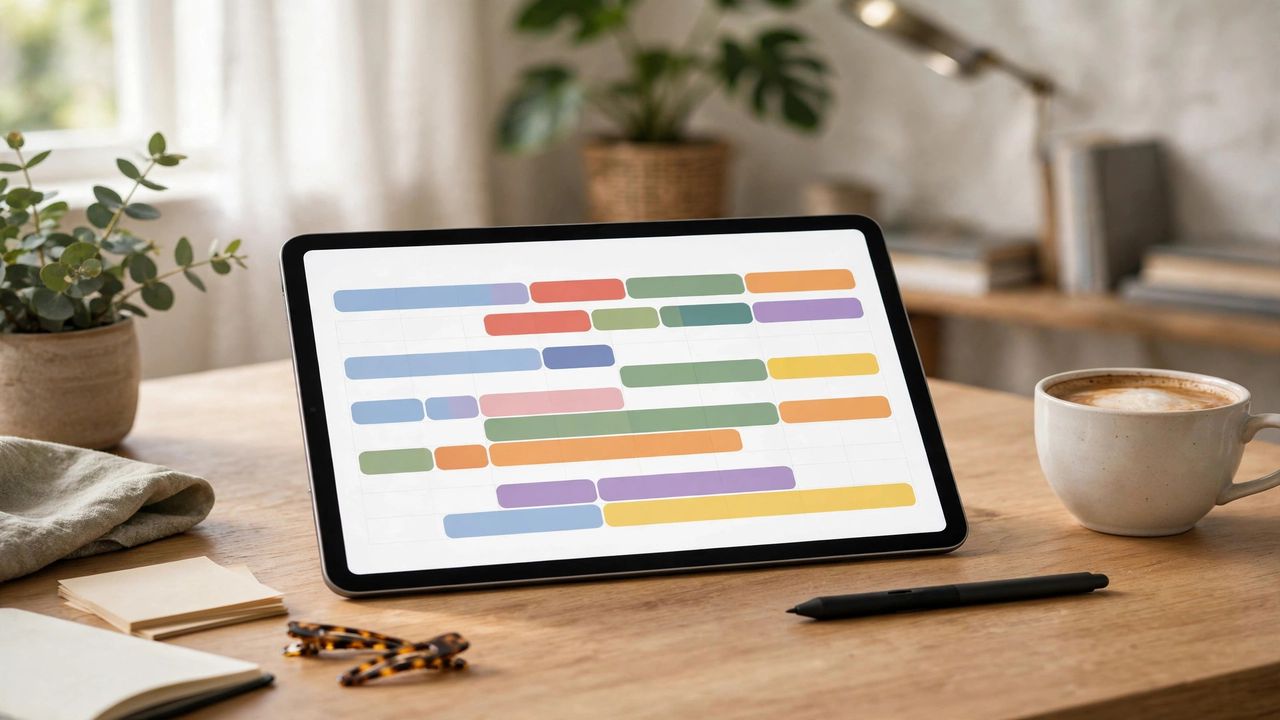
Double-booked meetings, forgotten birthdays, the meeting you swore was Thursday — calendar chaos costs real time and real reputation. AI calendar assistants in 2026 do far more than store events: they schedule for you, defend your focus time, and warn you before conflicts happen. Here is how to hand your schedule to AI without losing control.
Let AI do the scheduling dance
Instead of ten emails finding a meeting time, AI assistants check everyone's availability and propose slots automatically — or let guests book from your open hours. Set your working hours and buffers once (15 minutes between meetings is a lifesaver), and the AI respects them forever. People with booking links report cutting scheduling email by over 80%. One setup, permanent payoff.
Protect your focus time automatically
The best 2026 assistants learn which work needs deep focus and block morning hours for it, pushing meetings to your natural low-energy slots. They also batch similar tasks together. Tell the AI your priorities explicitly — "mornings are for writing, never schedule before 10" — because it can only defend boundaries you have defined. Review the auto-scheduled week every Monday morning and tweak what feels off.
Use smart reminders that actually work
Generic "meeting in 10 minutes" alerts are easy to ignore. AI reminders factor in travel time, traffic, and prep — "leave now, and bring the report." Location-aware nudges tell you when to leave based on real conditions. Keep two reminder layers: an early one for preparation and a final one for action. Snoozing the first reminder twice is your signal to take the task seriously.
Stay in charge of the final call
AI suggests; you decide. Always glance at auto-added events — the assistant can misread "lunch with Sam" as a 3-hour block. Do a 60-second daily review each morning to catch anything weird before your day starts. And keep personal and work calendars in one view; the AI can only prevent conflicts it can see.
An AI calendar assistant in 2026 is like a tireless personal secretary living in your phone. Set your hours and priorities, let it handle the scheduling, trust its travel-aware reminders, and keep a one-minute daily review. Missed meetings become a story you tell about the old days.